Take your news site to a professional level at lightning speed
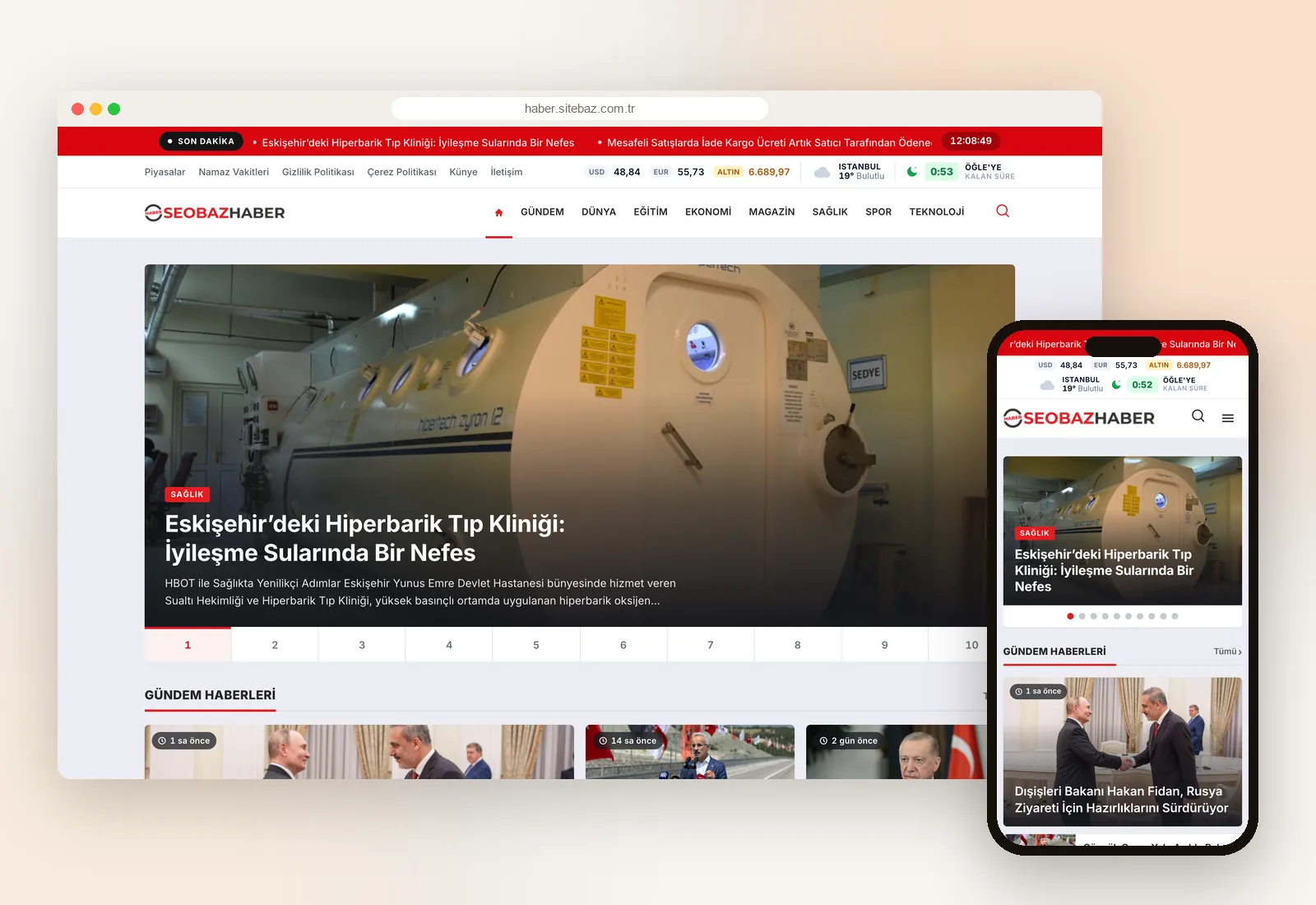
A user-friendly WordPress news theme whose fast, SEO-friendly, fully mobile-first design gives your news site a professional edge.
 Live Demo
New design, News Dashboard and security pack
The front end has been rebuilt from scratch, and the admin panel now works like dedicated newsroom software. License holders get this version free and install it from the panel in one click; settings and homepage layout are kept.
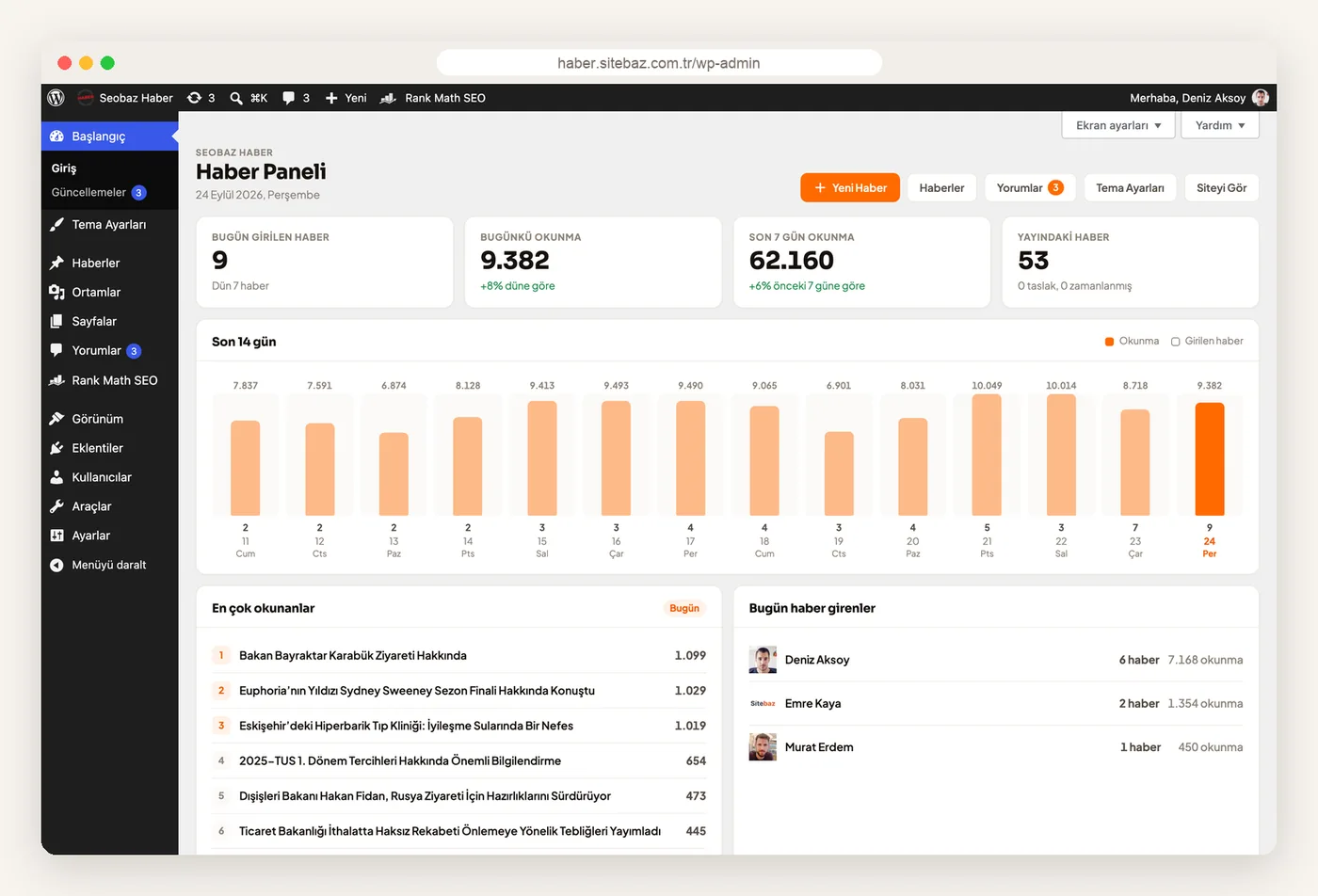
- News Dashboard today's stories and views on one screen
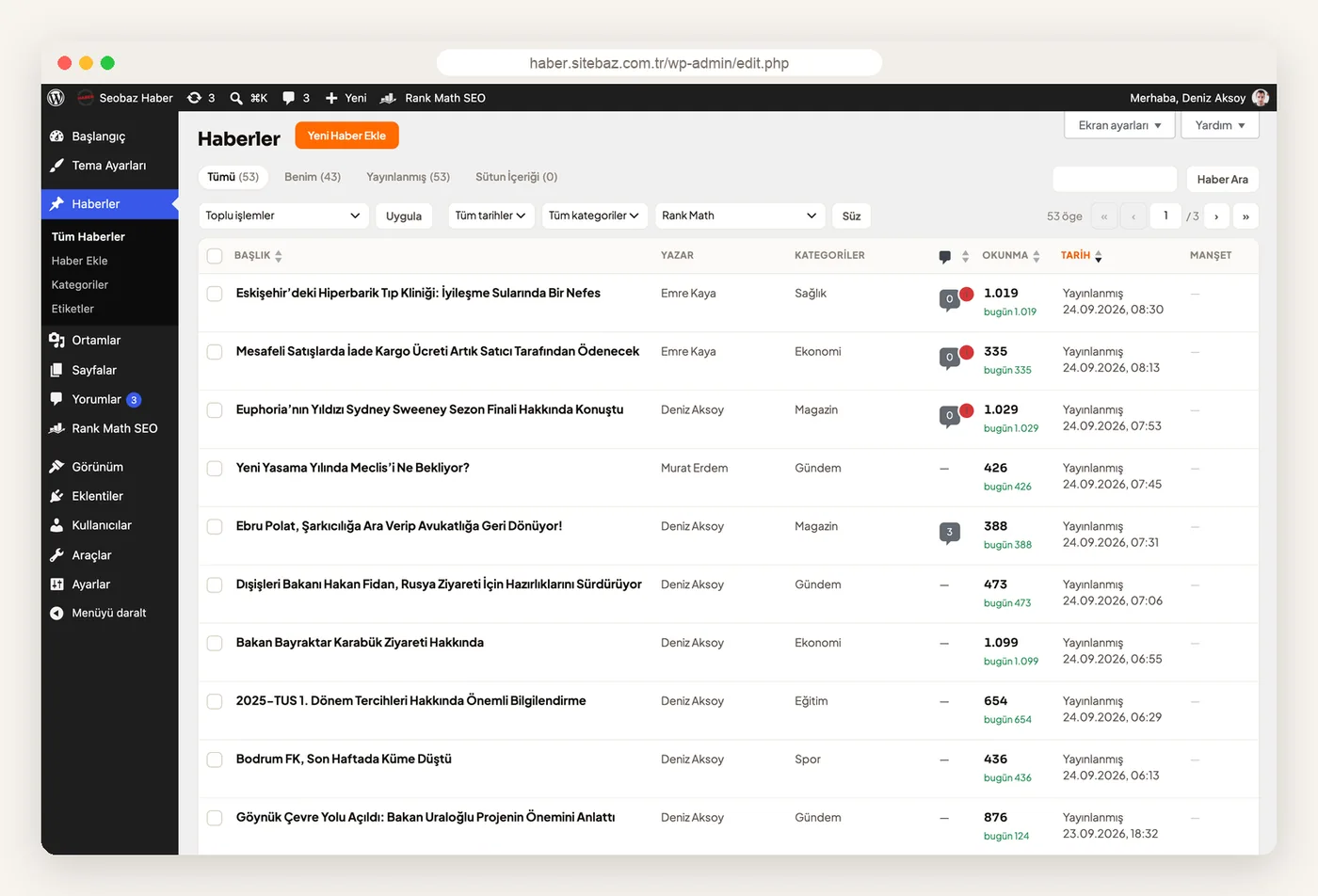
- View counter counts accurately on cached sites too
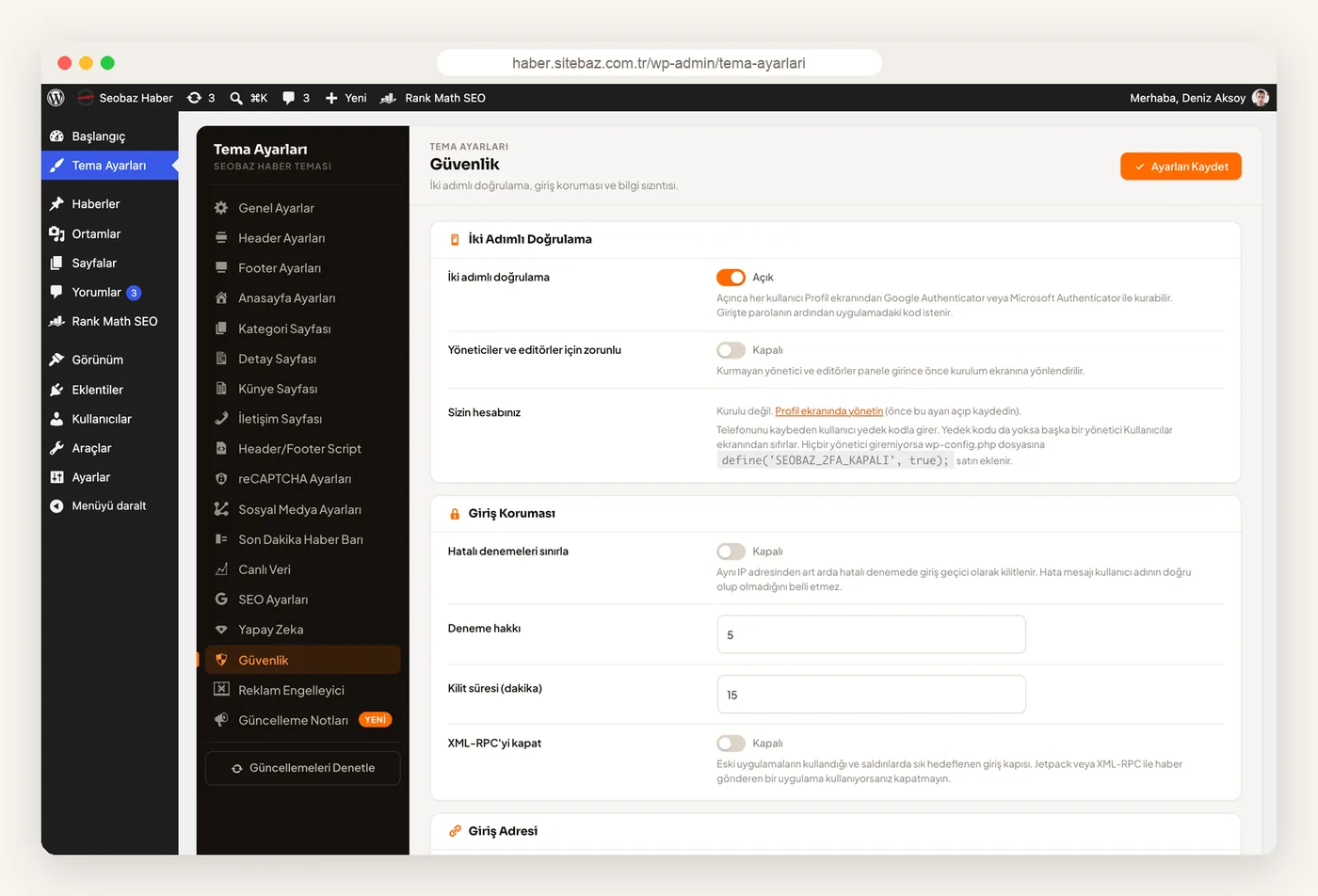
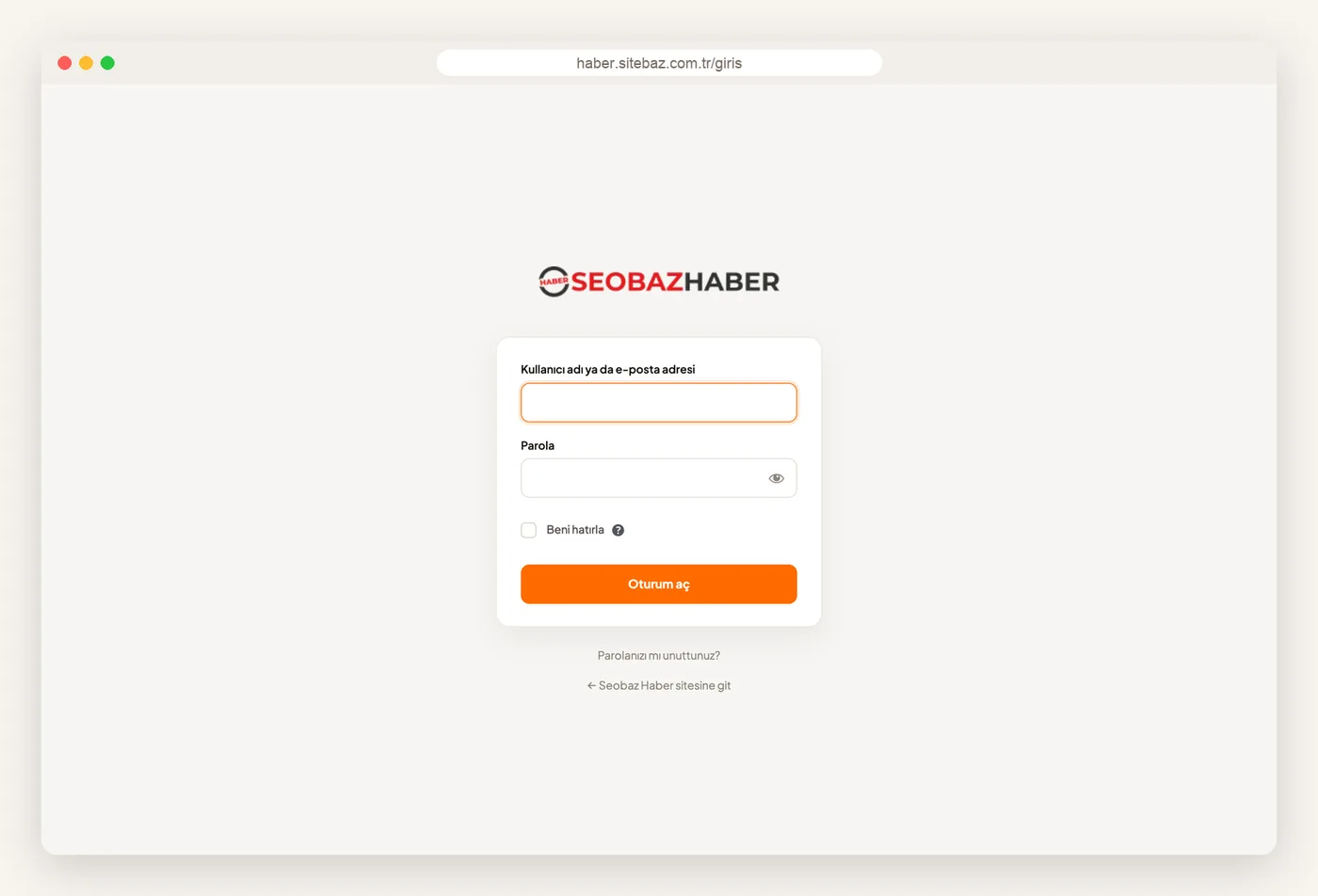
- Two-factor authentication and a custom login URL
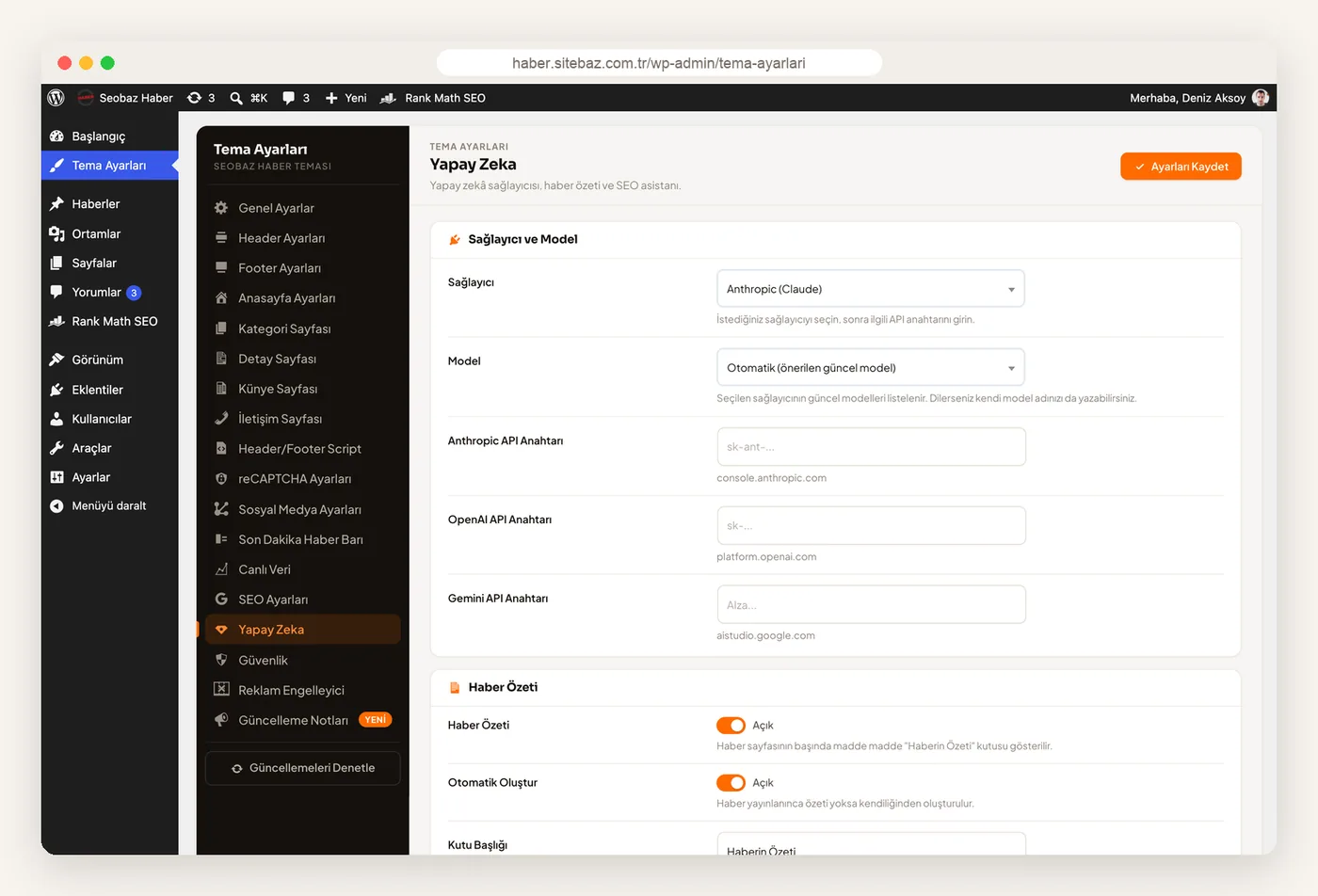
- AI editor news summaries and SEO fields
- PHP 7.4 or later no ionCube needed
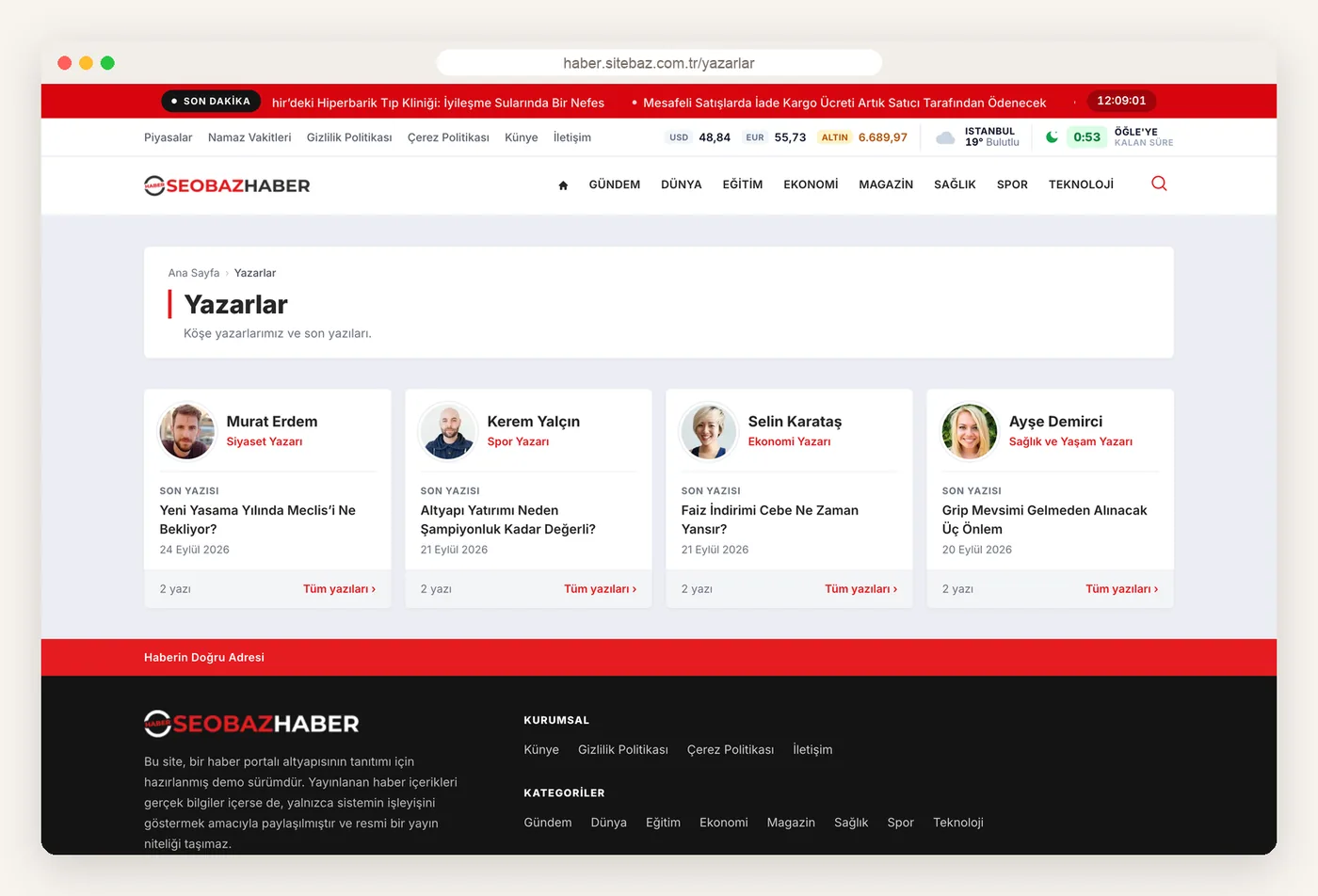
- Columnists page all columnists on one page
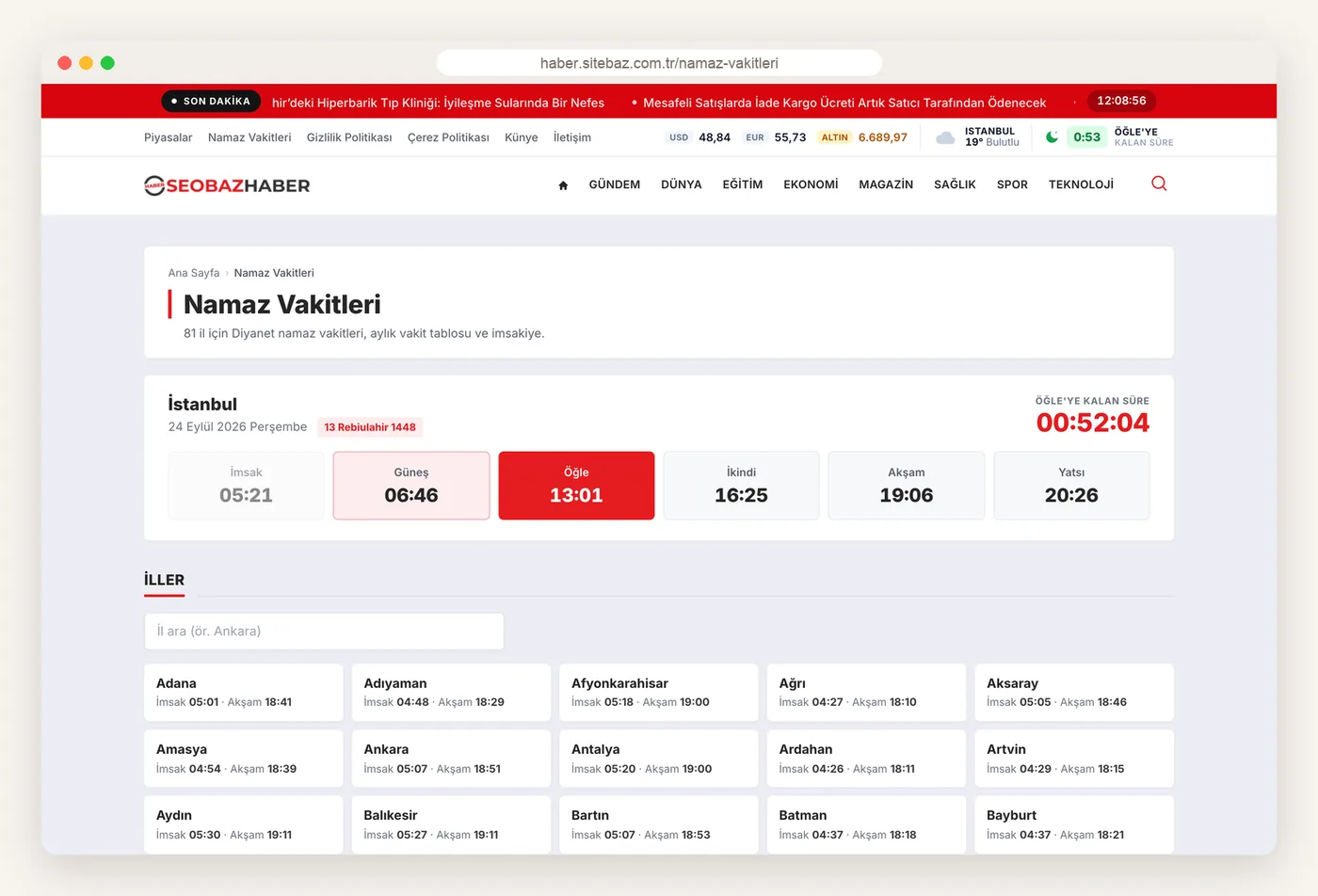
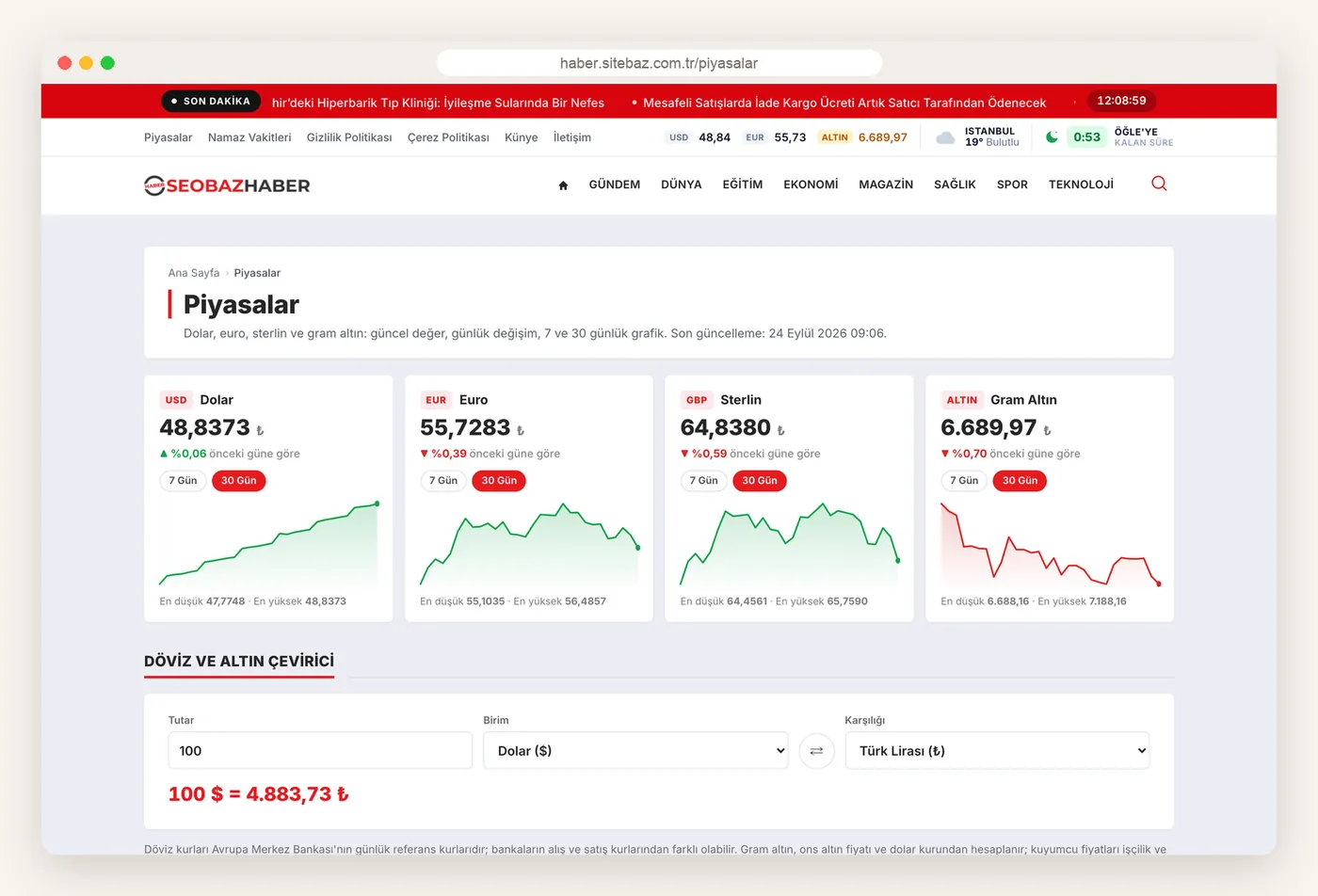
Screenshots
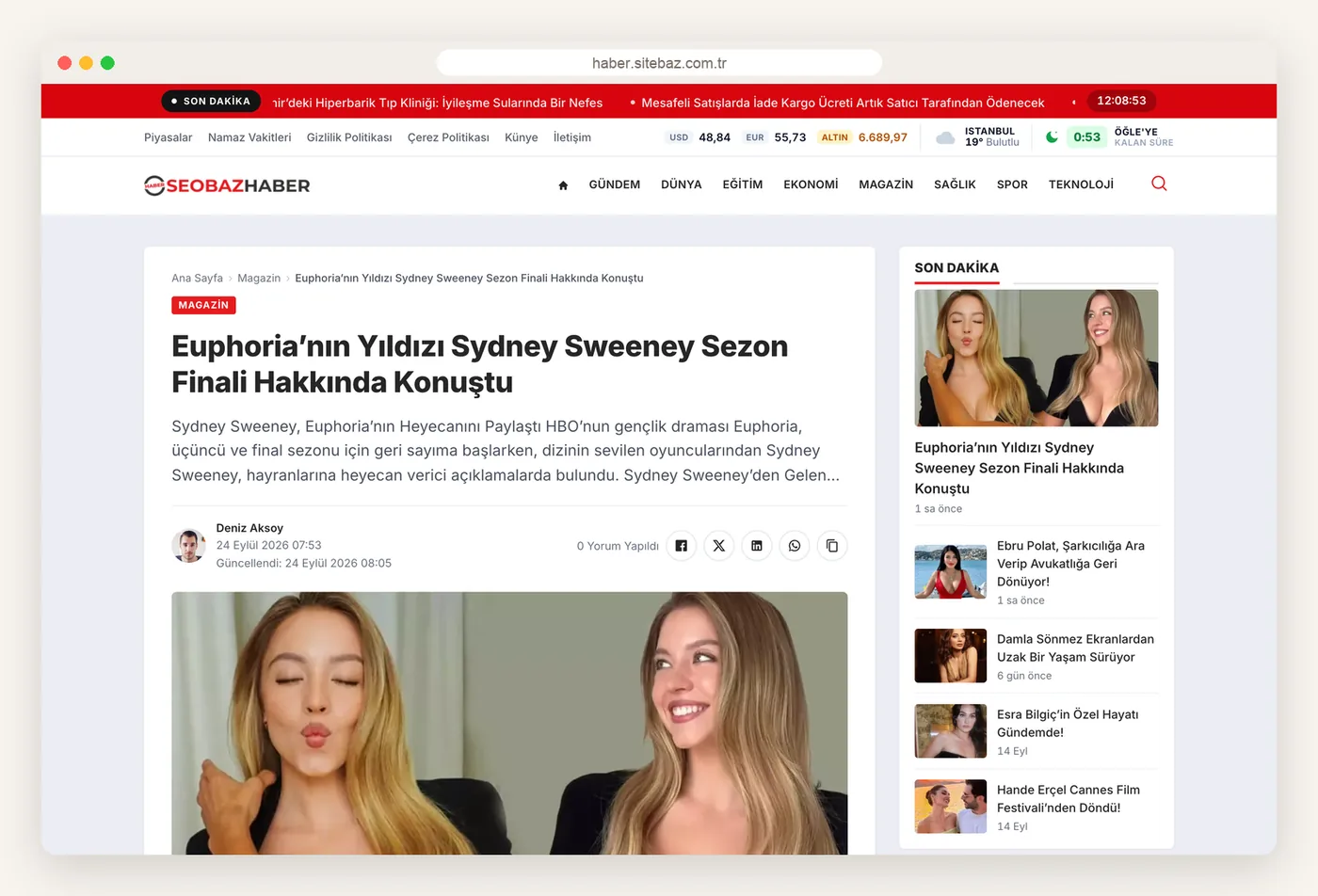
Screenshots taken from the live demo.
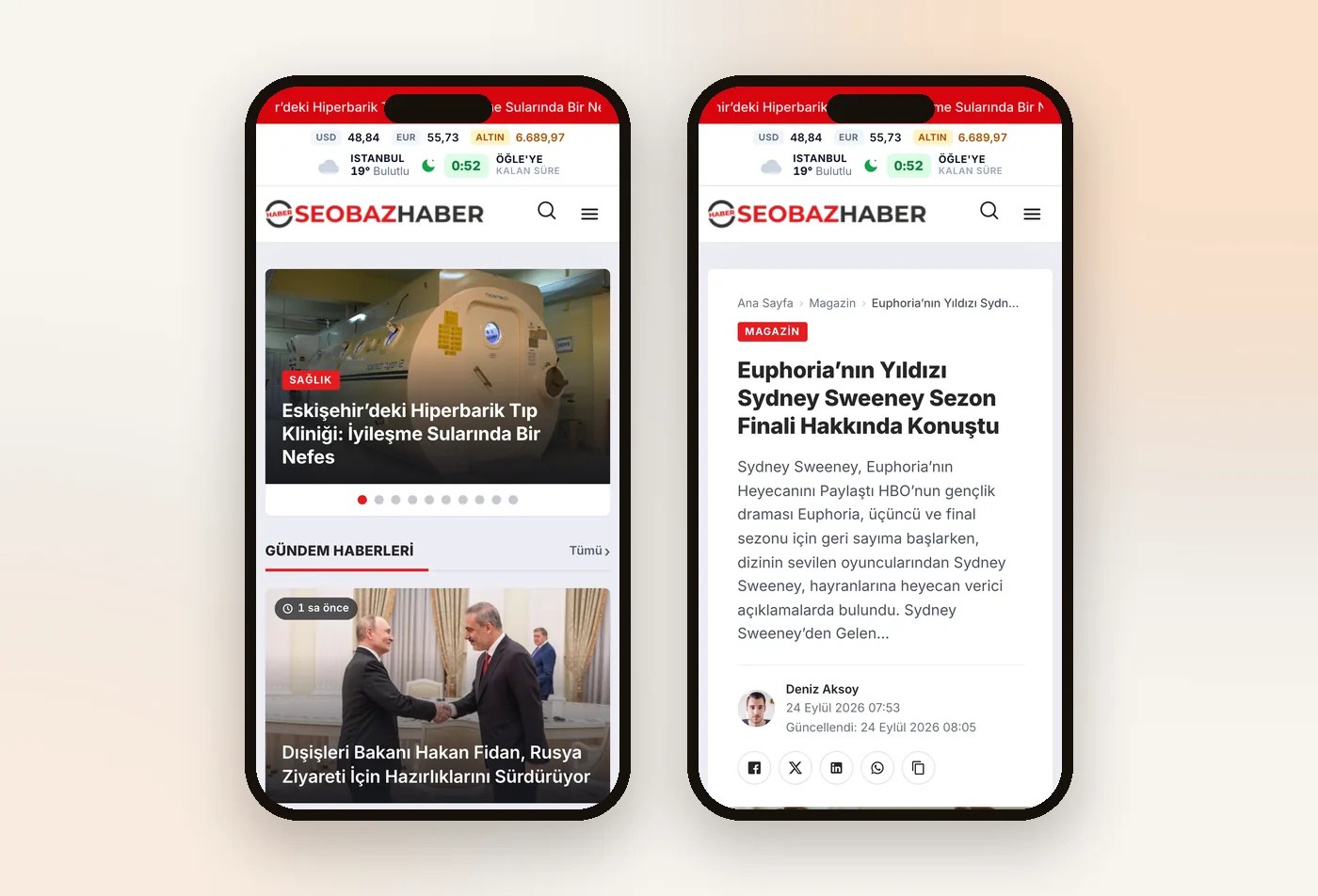
System Requirements
Current PHP 8 versions are recommended; you can switch your site to any version from your hosting panel.
Lightning-Fast Experience, Maximum Performance
A lightweight codebase, automatic WebP, a prioritized first image and component caching make pages load fast. Data is prepared in the background and served to readers from the cache.
Google PageSpeed Insights, demo site, desktop measurement (September 2026).
Key Features
When you log in to WordPress: today's new stories, views, a 14-day chart, the most-read stories and authors.
Counts accurately on cached sites too, with a sortable Views column in the Stories list. Hide the count from readers if you prefer.
News summaries, SEO titles, meta descriptions and focus keywords with Claude, GPT or Gemini.
News schema, a Google News sitemap, IndexNow and llms.txt; compatible with 6 SEO plugins including Rank Math and Yoast.
Two-factor authentication, failed login lockout, a custom login URL and username hiding.
Prayer time countdown, currency rates, gram gold and weather; data is fetched in the background.
Prayer time and Ramadan calendar pages for all 81 provinces, a Markets page with charts and a currency converter.
A columnists page and an author box with title and social profiles; columns do not mix into news lists.
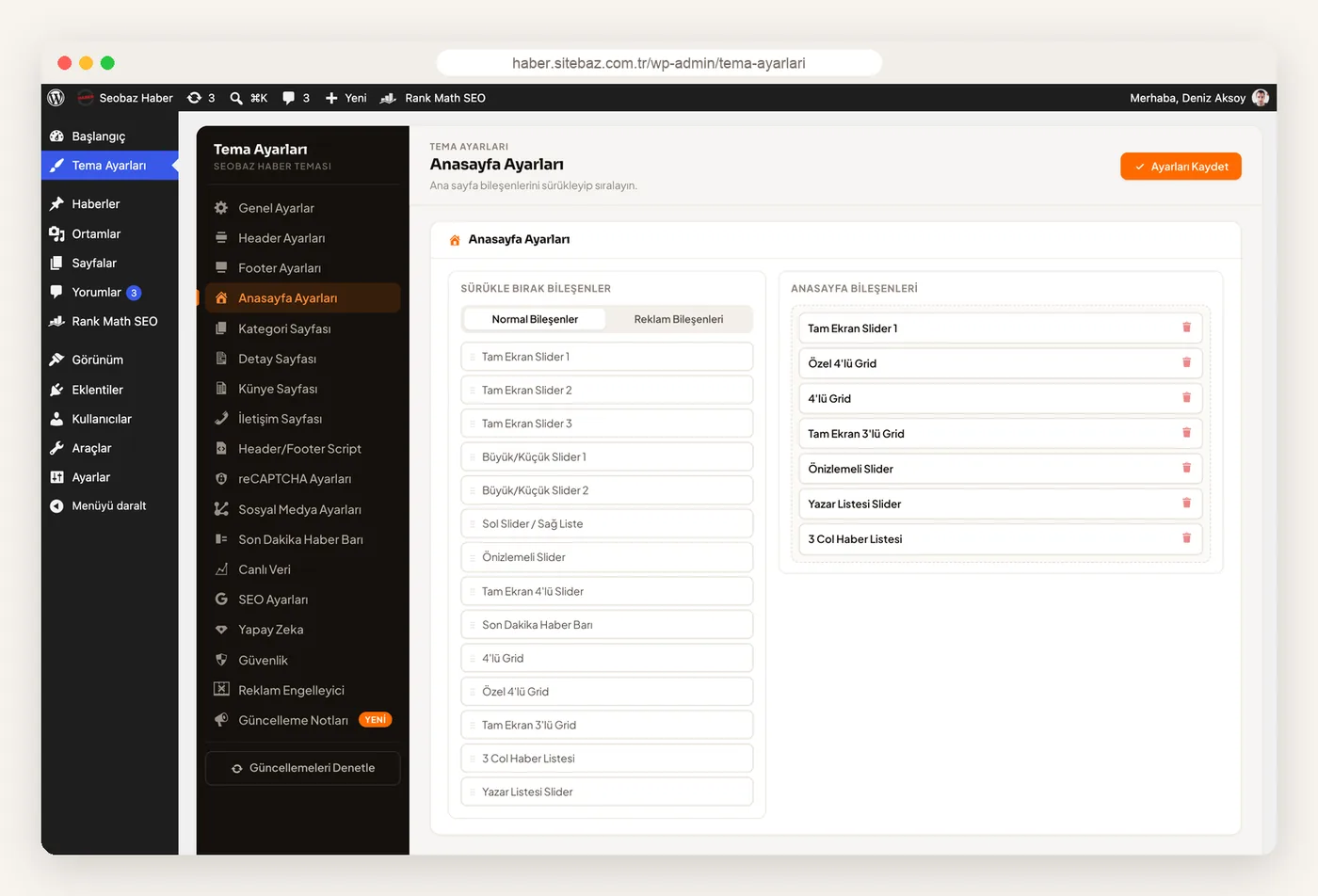
Build your homepage in any order by dragging and dropping 20 components.
List style, sidebar and sidebar stories are set in the settings, and every category has its own color.
Header, footer and article page layouts to suit your publishing style.
Move a story to the headline slider in one click while writing; slider timing and looping are set in the settings.
Ready-made slots for Google AdSense and custom ad placements, in-article ads and an ad blocker notice.
Images are converted to WebP and load as you scroll down; the first image loads with priority.
New versions install from the panel in one click, and your own code in the sub-functions.php file is kept.
Set up a news site ready to publish in minutes with demo import.