What Does a Product Feed Tell ChatGPT?
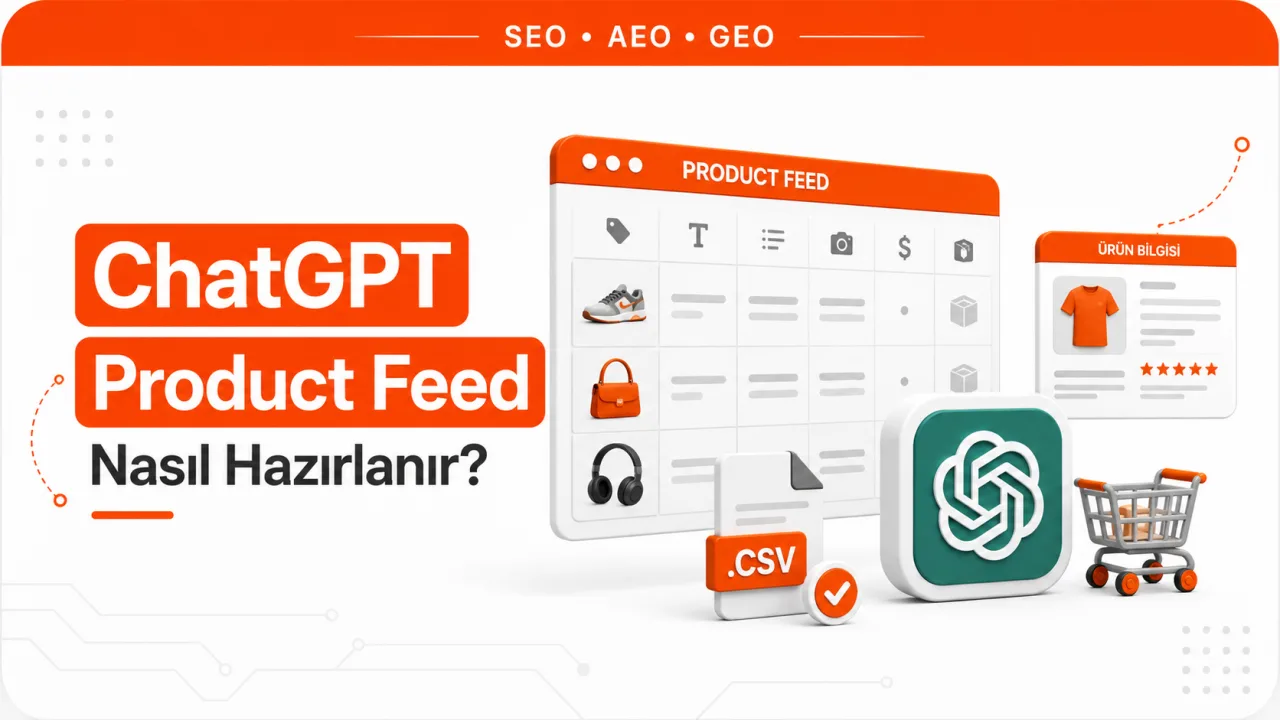
A product feed is a data file that describes a store's catalog using field names OpenAI can read. Instead of inferring a product's price and availability from the page, ChatGPT reads the values in the feed. That makes the feed an inventory statement, not marketing copy. Each row in the file represents a single sellable unit, and if the price in that row is wrong, the price shown to the user is wrong too.
The feed has two separate functions, and OpenAI separates them in the schema with two flags. The is_eligible_search field makes the product eligible to appear as a candidate in ChatGPT's shopping results. The is_eligible_checkout field indicates participation in the flow where users can place an order without leaving ChatGPT, and it can only be used while is_eligible_search is true. A store may want to appear in discovery only, without joining the checkout integration; these two decisions are independent of each other.
The feed does not replace content work. Whether ChatGPT uses you as a text source for brand and category queries is a separate matter, handled through ChatGPT visibility work. The product feed only supplies catalog data.
Feed Access Requires an Application
The ChatGPT product feed is not a publicly available upload interface. OpenAI states that feed participation is open to approved partners, and it asks merchants to fill out an application form for access. Until approval is granted, there is not even an endpoint to send a file to. So technical preparation and permission to participate are two separate steps, and having a feed file ready does not by itself mean your products will appear in ChatGPT.
In practice, the right order is to apply and, while you wait, bring your catalog data in line with the schema. Starting to collect missing fields only after approval arrives is the most expensive kind of delay, because collecting GTINs and fixing image URLs are infrastructure tasks that can take weeks.
Required Fields and What Each One Does
A row is not processed without the fields below. The rule next to each field shows the format required for the row to pass validation.
| Field | What it carries | Rule |
|---|---|---|
| item_id | The merchant's product ID | Alphanumeric, up to 100 characters, should not change over time |
| title | Product title | Plain text, up to 150 characters, must not be all caps |
| description | Product description | Plain text, up to 5,000 characters |
| url | Product detail page URL | Must return HTTP 200 |
| image_url | Main product image | JPEG or PNG, HTTPS preferred, the URL must return 200 |
| brand | Brand name | Up to 70 characters |
| price | List price | Amount and ISO 4217 currency code given together |
| availability | Stock status | in_stock, out_of_stock, pre_order, backorder or unknown |
| seller_name | Seller name | Up to 70 characters |
| target_countries | Target country | ISO 3166-1 alpha-2 code |
| is_eligible_search | Permission to appear in search | true or false |
| is_eligible_checkout | Participation in the checkout flow | true or false; if true, is_eligible_search must also be true |
Most of these fields will look familiar, but two of them are not found in classic shopping feeds. A persistent item_id ensures the product is recognized as the same record over time; a system that generates a new ID with every catalog export creates a new product on ChatGPT's side each time and resets any accumulated signals. The eligibility flags are your decision; you do not have to make every product in the feed eligible for search.
The Rule for Product Identifier Fields
A GTIN is the global number assigned to a product by its manufacturer, the string of digits under the barcode. The schema expects either a valid gtin value or a non-empty mpn value for each product. A GTIN must be between 8 and 14 digits and contain no spaces or hyphens. The mpn, the manufacturer part number, can be up to 70 characters.
The third option is to set the identifier_exists field to no, but this is only valid if the product genuinely has no identifier. A handmade product or a service bundle you put together yourself fits this definition; a product that has a barcode but is missing from your database does not. If the field is not sent at all, the system expects a valid identifier and the row is rejected. This is the most common reason rows are rejected in large catalogs.
Additional Fields Required for Checkout Eligibility
Merchants who set is_eligible_checkout to true must also fill in two URL fields: seller_privacy_policy and seller_tos. These fields point to the privacy policy and terms of service pages. On the returns side, the accepts_returns, return_deadline_in_days and return_policy fields are not required, but because they directly affect the user's decision, it makes sense not to leave them empty.
Where Is the Feed Generated From?
You rarely need to write a feed from scratch. You can use one of three sources: your e-commerce platform's own export module, your existing Google Merchant Center feed, or an export job generated directly from your database. Whichever you choose, the output must be UTF-8 encoded.
On the file format side, OpenAI accepts parquet, jsonl.gz, csv.gz and tsv.gz. For parquet, zstd compression is preferred. Large catalogs are split into shards; each shard file should contain no more than 500,000 rows and stay under roughly 500 MB. File names are expected to remain stable, and each cycle should overwrite the existing file rather than create a new one.
Reusing Your Merchant Center Feed
If you already have a feed prepared for Google Merchant Center, most of the work is done. OpenAI accepts Google-compatible delimited files (csv, tsv and txt extensions) and maps their column names to its own schema. The key points of the mapping:
- The id field becomes item_id, and the link field is used as the source for both url and seller_url.
- The image_link field becomes image_url, and additional_image_link turns into the comma-separated additional_image_urls list.
- Among the availability values, preorder is converted to its schema equivalent pre_order; the other values stay as they are.
- sale_price_effective_date arrives as a single range and is split into sale_price_start_date and sale_price_end_date.
- The item_group_id field becomes group_id and marks the product as a listing with variants.
- If product_type is filled in, it is used for product_category; if it is empty, google_product_category is used instead.
- Fields such as color, size, material, age_group, gender and pattern are written both to their own equivalents and into variant_dict.
The only critical thing missing from a Merchant Center feed is the eligibility flags. The is_eligible_search and is_eligible_checkout columns have to be added to the feed manually, which is why sending the existing file as is does not work.
Steps to Prepare a Product Feed
- Submit your participation application. Delivery details are not set up until approval arrives, so technical preparation and the application run in parallel.
- Choose a delivery method. File upload and the API are two separate routes. The hybrid model OpenAI recommends is to send a full catalog file once a day and push intraday changes through the API.
- Make each row a single variant. A red and a blue version of the same T-shirt are two separate rows. Each row has its own item_id, its own price and its own stock status.
- Map the required fields. Match the twelve fields in the table to their counterparts in your catalog, and record any fields left empty on a missing data list.
- Fill in the identifier fields. Produce a gtin or mpn value for each product. For products that truly have no identifier, set identifier_exists to no.
- Group the variants. Give variants of the same product a shared group_id, and write distinguishing attributes into the color and size fields and into variant_dict.
- Set up the price and discount logic. sale_price cannot be greater than price and must be in the same currency. Sale dates are given in ISO 8601 format.
- Check the conditional fields. If availability is pre_order or backorder, availability_date becomes required and must be a future date. If expiration_date is used, it must include a time zone.
- Validate with a sample file of about 100 products. Starting with the entire catalog means a single format error gets repeated across hundreds of thousands of rows.
- Check the first full snapshot, then move to regular delivery. Once the sample file comes back clean, send the full catalog, review the results and automate the feed.
Update Frequency and Delivery Format
File uploads work on a full snapshot basis. That means each submission is the complete state of the catalog at that moment, not a diff file. The recommended frequency is at least once a day, and deliveries are expected to follow a predictable schedule.
The API, on the other hand, handles partial updates. Products are matched by id, and products not included in a request remain unchanged. For that reason, products are not deleted via the API; a product leaving the catalog is dropped either by no longer appearing in the full snapshot or through the expiration_date field. For intraday events such as price changes and stockouts, the API is the right tool, because waiting for the next day's file means an out-of-stock product keeps being shown.
Stock lag is the hardest mistake to spot in this work. A file sent once a day carries an average error margin of twelve hours in a catalog that sells out quickly. During sales campaigns, that margin becomes completely unacceptable.
Validation Before Going Live
Validation has two layers. The first is a format check: are the field names correct, are the required fields filled in, are the numbers within the expected range? Running this check with a small script before sending the feed is faster than reading rejected rows from reports afterwards.
The second layer is a content check, and it goes beyond the feed file. You need to verify that every url and image_url in the feed actually returns 200, does not go through a redirect chain, and has any spaces in the URL encoded. Running product pages through a crawler such as the on-page SEO analysis tool is a practical way to see their accessibility in bulk.
A third check is that the structured data on the page does not contradict the feed. If the Product and Offer markup on the product page says 199 TL while the feed says 249 TL, two different sources are telling two different truths. Checking the page-side markup with the AI Schema Doctor and making sure it carries the same values as the feed catches this inconsistency early.
Common Mistakes
- Leaving the identifier field empty. If gtin and mpn are empty and identifier_exists is not sent either, the row is rejected because a valid identifier is expected.
- Incomplete price format. Sending the amount without a currency code, or a sale price higher than the list price, stops validation.
- Broken image URL. Image URLs that do not return 200, are in an unsupported format or contain unencoded spaces directly affect whether the product can be shown.
- Stock lag. Relying only on the daily file causes products that sell out during the day to appear in stock in the feed.
- Unstable product ID. Systems that generate a new item_id on every export reset the product's history each time.
- Skipping conditional fields. Not providing availability_date for pre_order and backorder, or omitting the time zone in expiration_date, are common format errors.
- Embedding HTML in the description. The description field expects plain text; copying the product page's box layout as is pollutes the field.
- Turning on the checkout flag without policy pages. If is_eligible_checkout is true and the privacy policy and terms of service URLs are empty, the row is invalid.
Frequently Asked Questions
Is a product feed the same as structured data?
No. Structured data is markup that lives in your product page's source code and is read by crawlers. A product feed is a file you deliver to OpenAI independently of your page. Both carry the same information but travel different routes, and neither replaces the other. The right approach is to keep the two consistent.
How do you remove a product from the feed?
Partial updates via the API do not perform deletions. There are two ways to remove a product: leave it out of the file entirely in the next full snapshot, or give it an expiration_date value so it drops out after the specified date.
How are color and size variants of the same product sent?
Each sellable variant is sent in its own row with its own item_id. What links the variants together is a shared group_id value. Distinguishing attributes are written into the color and size fields and mapped in variant_dict to the option names shown to the user. If price, stock or image differ between variants, each row carries its own value.
Is sending the feed enough for checkout integration?
No. The feed delivers catalog data; for orders to be taken within ChatGPT, the merchant also needs to set up payment and order endpoints, produce signed notifications for order events and meet the security requirements. This is technical work entirely separate from the feed file, with its own testing process.