How Does Shopping in AI Mode Work?
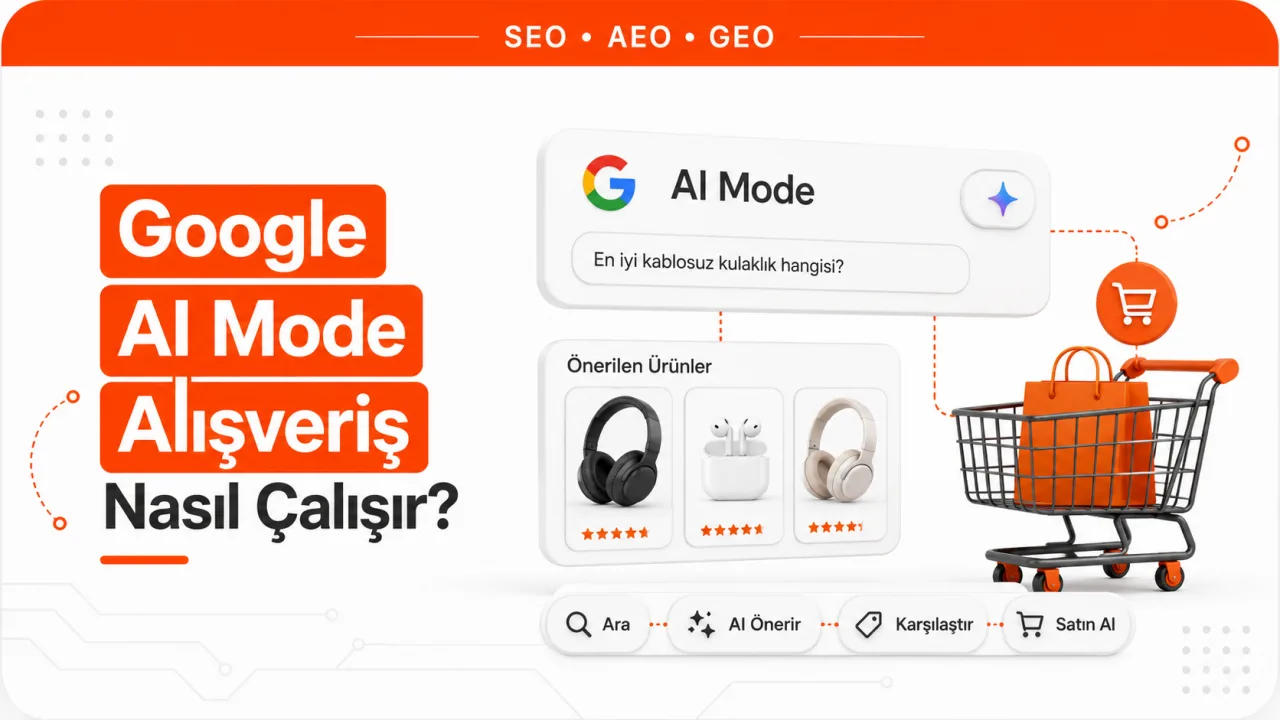
AI Mode doesn't treat a product request as a single keyword. When a user types a sentence like "a durable backpack for a rainy city in May," the system runs several searches at once to work out what defines a good rain-ready bag, applies the resulting criteria to the product pool and shows matching products in a panel next to the conversation. Google calls this behavior query fan-out.
What appears on screen isn't a ranked results list. The panel updates itself as the conversation progresses. When the user says "make it lighter" or "my budget is 3,000 TL," the same panel is rebuilt. So ranking isn't a one-off race; it's an elimination process repeated many times over the course of the conversation. For a product to take part in this elimination, Google needs enough structured information about it. A product whose color options are unknown gets eliminated at the "show me the black one" step. A product with no shipping information gets eliminated at the "I need it this week" step.
This is the product-side equivalent of the logic that applies to text content. Just as information needs to be machine-parseable for a page to be selected as a source in AI Overviews, a product's attributes need to be machine-readable for it to appear in the AI Mode panel. The difference is that on the product side, this information isn't inferred from the page; it's read from the data the seller submits.
Where Does Product Data Enter This Surface?
AI Mode gets its product information from a dataset called the Shopping Graph. Google says this dataset contains more than fifty billion product listings and that more than two billion listings are refreshed every hour. That refresh rate tells you something on its own. A record whose price and stock status are days out of date isn't a credible candidate in a pool refreshed hourly.
The standard way to send products to the Shopping Graph is a Merchant Center account. Paid advertising isn't required. Products eligible for Google's free product listings program can appear across Google Search, Maps, Gemini, YouTube, the Shopping tab, Images and Lens without any ad spend. AI Mode isn't counted as a separate item on this list because it's an experience that lives inside Search. The practical result is the same: if a product isn't approved in Merchant Center, it isn't in Google's product pool, and if it isn't in the pool, it isn't in the AI Mode panel either.
It's worth noting that the same feed also powers the Gemini app. A single data investment feeds several AI surfaces at once. That's why product feed cleanup shouldn't be thought of as a separate line item from visibility work on the Gemini side.
Required Fields in the Merchant Center Feed
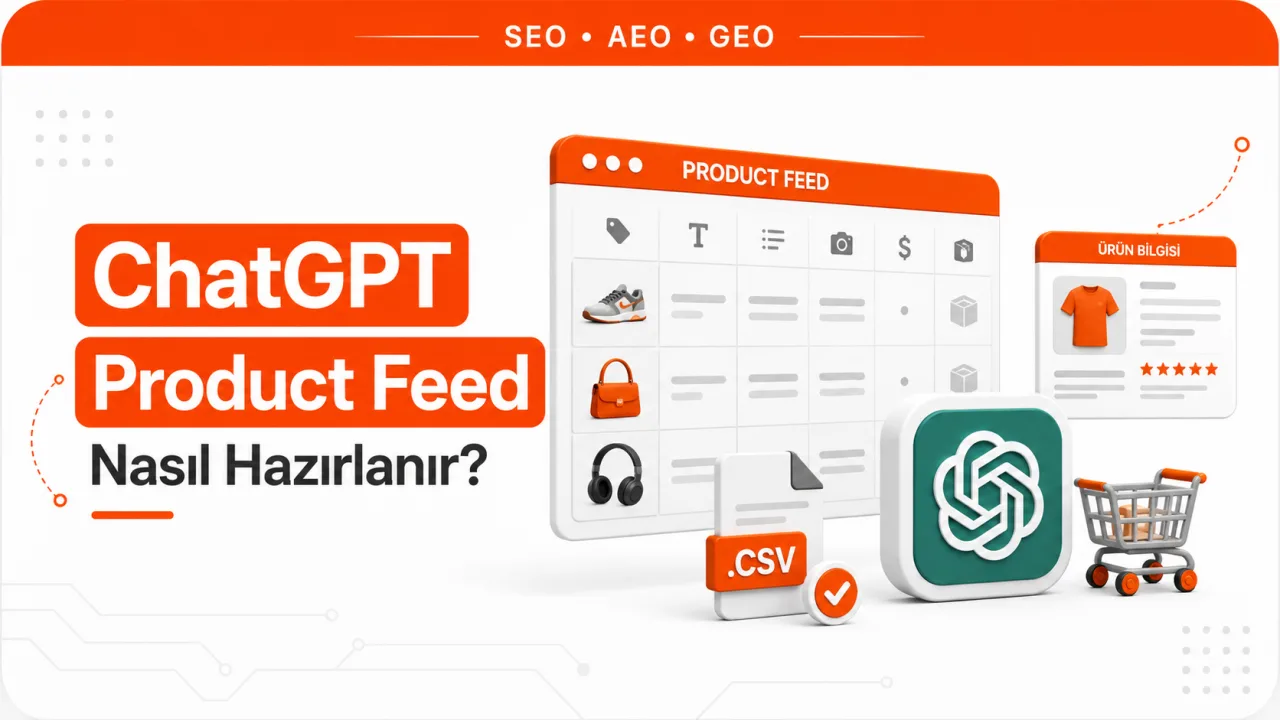
For free listing eligibility, Google's product data specification makes certain attributes mandatory. The table below summarizes the core fields that apply to all products and the conditional requirements.
| Attribute | Status | Rule |
|---|---|---|
| id | Required | Unique product code, up to 50 characters |
| title | Required | Up to 150 characters |
| description | Required | Up to 5,000 characters |
| link | Required | The product's own landing page |
| image_link | Required | Main product image |
| availability | Required | in_stock, out_of_stock, preorder or backorder |
| price | Required | With ISO 4217 currency code, using a period as the decimal separator |
| brand | Required for new products | Except for movies, books and music recordings |
| gtin | Strongly recommended if available | Manufacturer-assigned barcode, such as UPC or EAN |
| mpn | Required if there is no GTIN | Manufacturer part number |
| availability_date | Conditional | Required for preorder and backorder |
| item_group_id | Conditional | Required for products with variants in certain markets |
For apparel, the list gets longer. In certain markets, age group, gender, color and size attributes also become mandatory. These fields aren't just eligibility requirements; they're also what AI Mode filters on when it narrows down results. To satisfy a sentence like "women's, size 40, navy," all three fields need to be filled in.
Eligibility has two more requirements. A return policy must be published on the site, and shipping information must be defined either in account settings or in the product data. Google explicitly requires shipping information in around thirty countries. Türkiye isn't on that list, but missing shipping data means the system can't answer a user's delivery question, so in practice it's still a disadvantage.
What Does On-Site Product Structured Data Do?
The feed alone isn't enough, because Google compares the information in the feed with the information on the page. The schema.org markup on the product page is the reference for this comparison.
The required set in Google's merchant listing documentation is small: product name, product image and a nested Offer object. Inside the Offer, price and a three-letter currency code are required. The recommended list, meanwhile, overlaps directly with the fields AI Mode needs: brand, category, description, GTIN, ratings and reviews, availability, item condition, shipping details and return policy.
Merchant Center's automatic item updates feature has its own requirements. For it to work, price, priceCurrency, availability and condition must be marked up on the page. With these four fields in place, the feed can be corrected right away when the price changes.
In practice, three rules are often broken:
- The markup must be present in the HTML the server returns. Structured data generated with JavaScript after the page loads isn't accepted for this purpose.
- The values in the markup must match the values shown to users. Presenting different data counts as a violation of Google's developer guidelines.
- The landing page must not change based on the visitor's IP address or browser type. There should be a single offer, and if there are multiple offers, they must map to the same SKU or GTIN.
These three rules are often broken without anyone noticing, especially in stores that show personalized prices. To quickly see whether a page's markup is valid, you can use our free schema checker and spot missing or conflicting fields one by one.
Why Are Stock and Price Accuracy a Hard Threshold?
In classic search, a wrong price is a bad user experience. In AI Mode, a wrong price breaks the answer itself, because the system puts the price inside the sentence, not next to a link. In an answer framed as "three options that fit your budget," one wrong price makes the whole answer wrong.
Google manages this risk with two mechanisms. The first is the hourly refresh of the Shopping Graph. The second is that a mismatch between the feed and the page directly affects product approval. Price and stock mismatches produce disapprovals, and a disapproved product appears neither in free listings nor in the AI Mode panel. That's why the product feed shouldn't be treated as a file you set up once and forget, but as a system you monitor continuously.
For stores running seasonal campaigns, the rule of thumb is simple. The bigger the gap between how long it takes a price change to reach the site and how long it takes to reach the feed, the longer your listings carry wrong data.
How It Differs From the Classic Shopping Tab
| Dimension | Shopping tab | AI Mode |
|---|---|---|
| Input style | Keywords and preset filters | A need described in natural language |
| Background process | A single query | Several sub-queries running at once |
| Presentation | Ranked product grid | A product panel rebuilt as the conversation evolves |
| User's next step | Narrowing filters | Follow-up questions and added conditions |
| Data source | Shopping Graph | Shopping Graph |
| Purchase | Redirect to the seller's site | Redirect, or checkout on Google for eligible products |
The most important row in the table is the data source. Because both surfaces draw from the same pool, AI Mode doesn't require a separate data infrastructure; it requires a high-quality existing feed. What changes is how deeply the same data is queried. An attribute that goes unused in the Shopping tab can become an elimination criterion in AI Mode.
How Does the Direct Purchase Flow Work?
The flow Google describes has two layers. The first is price tracking. The user starts tracking a product by specifying size, color and how much they want to spend. When the price drops into the specified range, Google notifies the user.
The second layer is the purchase itself. The sequence works like this:
- After receiving the notification, the user confirms the purchase and delivery details.
- Google adds the product to the cart on the seller's site.
- Payment is completed through Google Pay using the method saved in the user's wallet.
On top of this, Google added a protocol layer. The Universal Commerce Protocol is described as an open standard for how AI agents and merchant systems exchange information. In the checkout experience based on this protocol, the transaction is completed directly on a Google surface, and the seller remains the merchant of record. Google names AI Mode in Search and Gemini as the surfaces where this experience will appear.
The technical requirements on the protocol side have also been published. The Merchant Center account must be in good standing and products must be approved for free listings. A return policy must be defined at the account or product level. For customer support, at least one contact method (website, email or phone number) must be provided. On the product side, the native_commerce(checkout_eligibility) attribute is used. If this field is set to false or not submitted at all, the product isn't considered eligible for the checkout flow.
Not every product can enter this flow. Google's list of ineligible categories includes subscriptions, installment sales, personalized products, refurbished and used products, preorders, age-restricted products, services, rentals and digital products.
Which Features Are Available in Türkiye?
It's worth being precise here. AI Mode's first international rollout didn't include Türkiye. Google announced that it began gradually rolling out AI Mode and AI Overviews in Türkiye in February 2026. So the interface itself is now available in Türkiye.
The situation is different for the payment layer. Google's own documentation limits the protocol-based checkout experience to eligible products in the United States, Canada and Australia. Google says the automatic purchase feature tied to price tracking is available in the United States. Türkiye doesn't appear on any of these lists. So for a seller in Türkiye, direct sales through AI Mode don't exist as a channel yet.
The data infrastructure side, on the other hand, works today. Türkiye is among the countries where Merchant Center supports free listings and Shopping ads, and Turkish is among the supported languages. That means a product feed can be set up today, approved today and enter the Shopping Graph today.
That's the case for preparing now. When the payment feature launches in a country, sellers aren't asked for new technology; they're expected to already have a clean product feed. Fixing a feed after the fact takes months, because resolving disapprovals, pulling missing attributes from the product management system and rebuilding the markup on the site are interdependent jobs. When product data is handled alongside text content as part of a comprehensive AI Visibility program, this delay disappears.
A Checklist for Sellers
- Verify your Merchant Center account and confirm site ownership. An unverified account can't send products to any surface.
- Enable free product listings. This is how you enter the pool without an ad budget.
- Fill in all required attributes completely. In particular, don't leave empty or incorrect values in the availability and price fields.
- Complete the brand and product code fields. If there's no GTIN, submit the MPN together with the brand.
- For apparel and products with variants, fill in color, size, gender, age group and the variant group ID.
- Publish your return policy on the site and define it in Merchant Center as well.
- Define shipping terms in account settings or in the product data.
- Add schema.org Product and Offer markup to product pages. Always mark up price, currency, availability and item condition.
- Verify that the markup is in the HTML delivered by the server. Markup added later with JavaScript doesn't count for this purpose.
- Measure the delay in price and stock synchronization. The gap between the feed and the site should be a matter of hours.
- Check the disapprovals report weekly. A disapproved product is outside the pool.
- Write product descriptions that answer real questions. Usage conditions, compatibility and care information help when results are narrowed down.
Frequently Asked Questions
Do I need to run ads to appear in the AI Mode panel?
No. Approved products that are eligible for Google's free product listings program are in the product pool without any ad spend. Ads are a separate type of placement and don't replace free visibility.
Can I get in with on-site schema alone, without a Merchant Center feed?
The reliable route is the feed. Google uses structured data on the site to verify and automatically update product information; it doesn't replace the feed. It's more accurate to think of schema as the feed's auditor.
Can refurbished products enter the direct checkout flow?
Refurbished and used products are listed among the ineligible categories in Google's protocol-based checkout experience. These products can appear on the product discovery side but stay outside the direct checkout flow.
What does a store in Türkiye gain today?
A clean product feed pays off not just in AI Mode but also in Search, Images, Lens, YouTube, the Shopping tab and Gemini. Preparing before the payment layer opens in Türkiye means being ready on the day it does.
What should I do for products whose prices change often?
Marking up price, priceCurrency, availability and condition on the page enables automatic item updates. That way, when the price changes, it can be corrected without waiting for the next feed upload.