Search Console Has Three Property Types
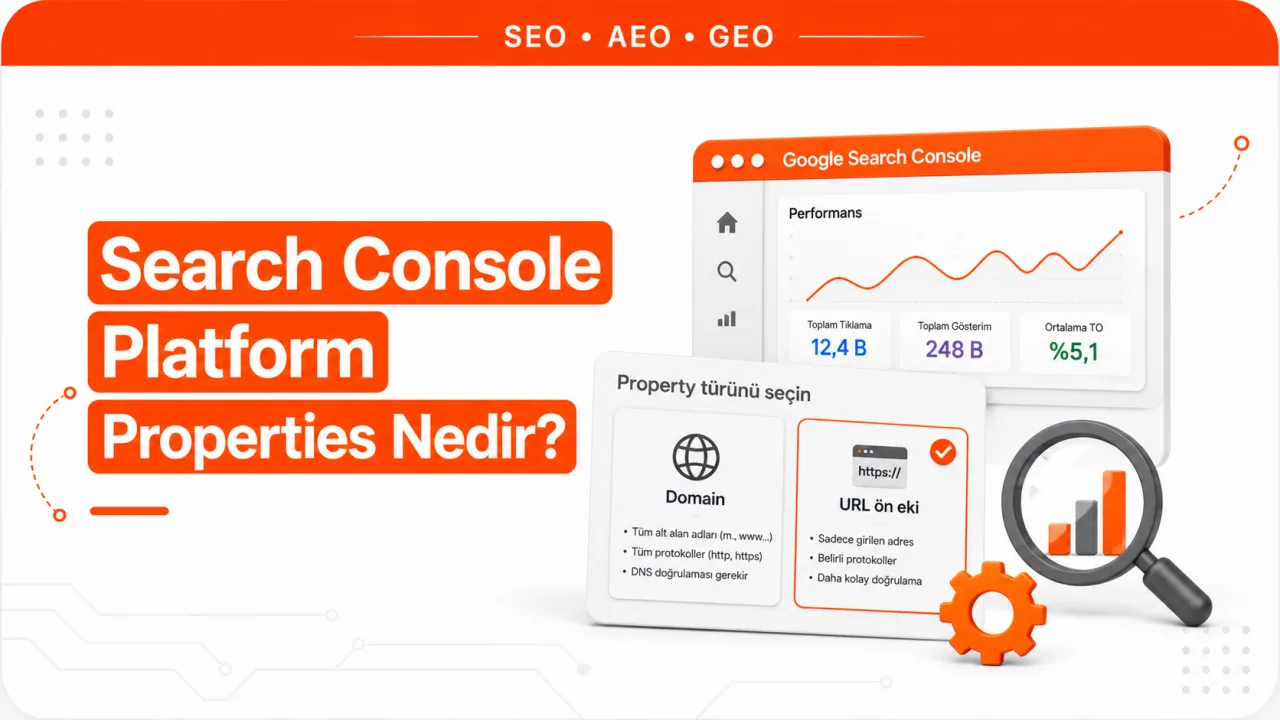
The platform property is the third type added to Google Search Console's property list, and the first type that represents an account rather than a website. A Domain property covers a domain name along with all its subdomains and protocols. A URL-prefix property covers only addresses that begin with the specified protocol and path. A platform property reports the click and impression data generated on Google by an Instagram, TikTok, X or YouTube account you own.
The most practical consequence of this distinction: you don't need a website to open a platform property. A creator who has never owned a domain can now use Search Console. For the first time in Search Console's history, a property is verified not by proving domain ownership but by authorizing an account connection. In classic search engine optimization practice, verification has always required access to a server or DNS, so this change broadens the very concept of a property.
Which Accounts Does a Platform Property Cover?
The supported platforms are Instagram, TikTok, X and YouTube. The list is currently limited to these four, which means you can't open a platform property for Facebook, LinkedIn or Pinterest accounts.
Each account is added as a separate property. A team managing two Instagram accounts and one YouTube channel sees three separate properties, not a single combined view. There is no top layer that aggregates across properties; any comparison has to be done on your side after exporting.
A platform property measures the account's visibility across Google Search, Discover and Google News. Places where social content appears on Google include the short videos carousel, the recent posts carousel and carousels that gather user discussions. A click on a TikTok video or an Instagram post from a search result shows up in this property.
Why Isn't Verification Done With a DNS Record?
The purpose of site verification is to prove ownership. Uploading an HTML file, adding a meta tag, writing a DNS TXT record or pointing to your Analytics or Tag Manager code all support the same claim: I can make changes to this domain or server.
Nobody can upload a file to Instagram's or TikTok's servers. That's why a platform property asks for data permission rather than proof of ownership. You give Search Console authorization to retrieve the performance data belonging to your account. The authorization only opens the data flow; it doesn't cover managing the account or controlling its content.
There are two ways to authorize. The first is an automatic connection set up through an already verified website property. The second is signing in to the platform directly and granting permission. On YouTube, this step is quickest because you're already signed in with your Google account; on the other platforms, the account's own sign-in or API authorization screen comes into play.
The connection isn't permanent. Ownership is rechecked at regular intervals. If the authorization lapses, access to the property is paused and the report won't open until it's verified again. The important detail here: when you re-verify, data doesn't start accumulating from scratch, and the earlier period remains accessible. The pause is an interruption of access, not a loss of data.
What Data Does a Platform Property Show?
A platform property has three reports, and all three answer the same question at different resolutions: how much is my content being found on Google?
Performance report
It gives total clicks, impressions, average click-through rate and average position. Data can be broken down by Google Search, Discover and News, and you can also apply filters for country, date, device and search term. The last 24 hours filter is useful for seeing the first movement of newly published content. Because the report can be exported, this is where you compare formats, for example Shorts versus long-form video or Reels versus regular posts. The metrics are read the same way as in a site property, so the core approach to tracking Search Console data applies to platform properties too.
Insights report
It summarizes the last 28 days. How clicks are distributed across Google surfaces, the most clicked posts or videos, the search terms people used to find the account and the geographic distribution of the audience are all in this report. It's designed not for detailed analysis but for quickly seeing what's working.
Achievements section
It tracks threshold-based progress. Milestones such as total clicks from search passing a new level within a 28-day window are marked here. It isn't a metric you make decisions on; it's a record layer where growth gets flagged.
Data the reports don't show
A platform property only measures performance on Google's side. Views, watch time, follower growth, likes and comments inside the platform itself aren't included in these reports. A video reaching a million views within TikTok may not produce a single row in Search Console, because what's being measured is the traffic that content gets through Google Search.
For that reason, a platform property doesn't replace the platform's own analytics dashboard. The two measure different channels, and it's expected that the numbers won't match. It's also normal for charts to look empty on a newly added property; data takes a few days to fill in.
Which Property Should You Open If Your Site Runs on a Hosted Platform?
The similarity in naming causes frequent confusion. The term "platform property" sounds like a property type built for businesses whose sites are hosted on a marketplace, a site builder or a ready-made blogging service. It isn't. A marketplace storefront, a Shopify or Wix site and a Blogger blog are all websites with URLs. These are added as a Domain property or a URL-prefix property.
The deciding factor is DNS access. If you can edit the DNS records of your own domain, you open a Domain property, which brings subdomains and protocols together under one roof. If your site runs on the provider's subdomain and you can't touch DNS, you open a URL-prefix property, and verification is completed through the meta tag or HTML file field offered in the provider's dashboard. For Google products such as Blogger and Google Sites, verification is already handled through account association.
The difficult case is when the store sits as a path under the marketplace's domain. On an address like that you can neither upload a file nor add a meta tag, and if the provider doesn't offer a dedicated verification field, no property can be opened for that page. In that case, the marketplace's own seller dashboard is used instead of Google data. If you want to see the technical state of pages on your own domain, the on-page SEO analysis tool works without waiting for verification.
Property Types Compared
| Criterion | Domain property | URL-prefix property | Platform property |
|---|---|---|---|
| What it represents | The entire domain | A specific protocol and path | A social or video account |
| Scope | All subdomains and protocols | Only addresses matching the prefix | A single account or channel |
| Verification | DNS record only | HTML file, meta tag, DNS, Analytics, Tag Manager | Account authorization or connection through a verified site property |
| Proof of ownership | Control of the domain | Control of the server or page | Permission to sign in to the account |
| Traffic it measures | The site's Google traffic | Google traffic to pages under the prefix | The account's Google Search, Discover and News traffic |
| Best suited to | Site owners with DNS access | Owners of a subfolder, subdomain or hosted site | Content creators and social account managers |
Which Property Should You Choose?
- If the domain is yours and you can open the DNS panel, open a Domain property. It keeps data from being split by protocol or www variations from the start.
- If you're responsible for only part of the site, for example a subfolder or a single language in a multilingual setup, a URL-prefix property gives a cleaner view.
- If your site is on a provider's subdomain and you can't access DNS, a URL-prefix property is the only option.
- If you create content on Instagram, TikTok, X or YouTube, open a platform property. Whether or not you have a website doesn't change this step.
- If you have both a site and a social account, add both. They aren't competing properties; they measure two different visibility surfaces of the same brand.
After setup, the real work is reading the data. On most teams, opening reports before it's clear which property answers which question makes the data unusable. If you need help with setup and ongoing tracking, this process is handled within our SEO packages.
Frequently Asked Questions
Do I need a website to open a platform property?
No. Because verification is completed through account authorization, a creator without a domain can open a property. If you have a verified site property, the connection can be set up automatically, but that's a shortcut, not a requirement.
Can the same brand have both a site property and a platform property?
Yes, and that's usually the right setup. The site property shows how your own pages perform in search, and the platform property shows how your social content performs in search. The two don't replace each other; they measure two different surfaces of the same brand.
Is the data deleted if the authorization lapses?
No. When the ownership check fails, access to the property is paused. When you re-verify, data doesn't start accumulating from scratch; the existing record opens.
Why are Search Console numbers lower than the platform's own analytics?
The two dashboards count different things. The platform measures views inside its own app, while Search Console measures only impressions and clicks coming through Google Search. Since traffic from Google is a small slice of total reach, it's expected that the numbers won't match.
Can content on an unsupported social network be tracked?
Not through a platform property. Properties can currently be opened only for Instagram, TikTok, X and YouTube. On other networks, measurement is limited to that network's own analytics dashboard.
Why are the charts empty on a newly added property?
Data takes a few days to appear. History doesn't fill in the moment the property is added, and meaningful reading is possible once the reports start populating. An empty chart in the first few days isn't a sign of a setup error.



