What happens when you make a site a preferred source?
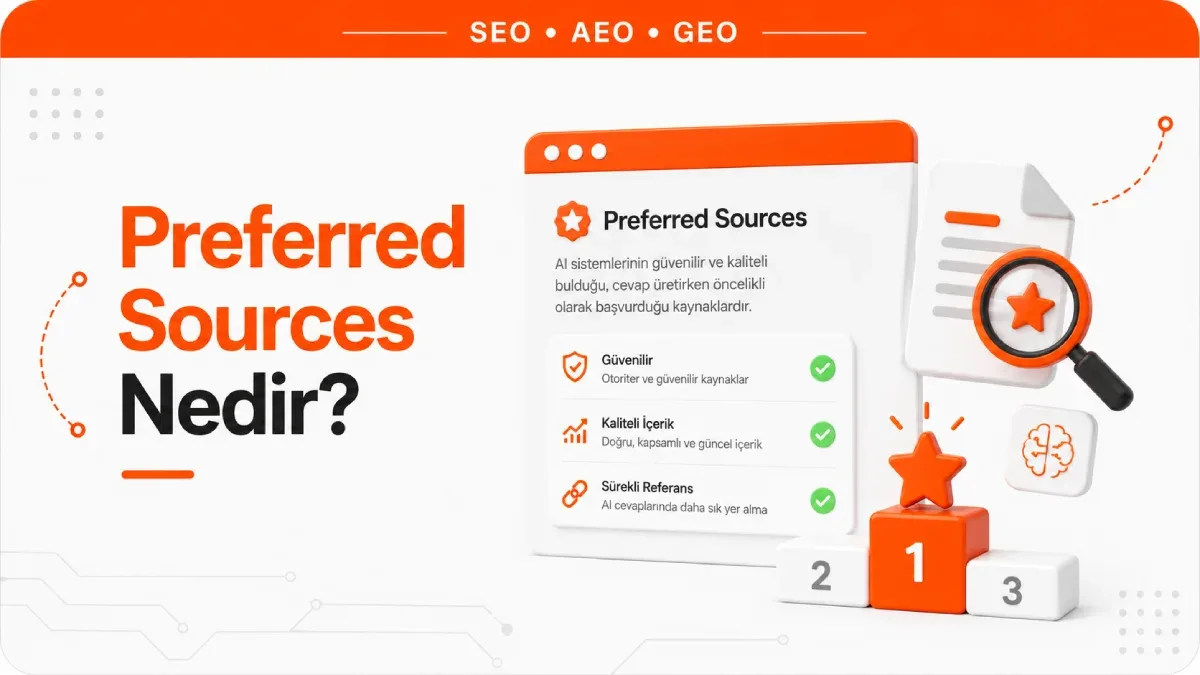
When you search Google for a major recent event, the "Top stories" block shows a card icon with a star next to its heading. Tap that icon and mark a site, and that site will start appearing more often on your results page as it publishes new content on the same topic. The sites you mark can also be grouped in a block of their own titled "From your sources". Preferred Sources is the name of this setting: a personalization tool that lets users tell Google directly which sites they want to see more often.
The effect is not limited to the news block. The same choice also personalizes the AI Mode and AI Overviews experience; content from the chosen site can be marked with a "preferred" badge on these surfaces. Only the user who added the site to their own list sees the badge. Nothing changes on anyone else's screen.
Content from other sites does not disappear. Google keeps showing other sources after the choice is made, and the list can be changed at any time. Google also documents only three surfaces for this feature: the news block, AI Mode and AI Overviews. Google Discover, a separate feed, is not on that list and runs on its own signals.
How do you add a preferred source?
Google documents two ways. The first works through settings and does not require a search:
- Go to Google.com or open the Google app.
- Tap your profile picture or initial in the top right.
- Under Personalized Search, go to Source preferences.
- Search for the site you want to add and tick the checkbox next to it.
The second works directly on the results page and lets you see the effect of your choice at the same time:
- On a computer, go to google.com and search for a major recent event.
- If the "Top stories" block appears, click the starred card icon to the right of its heading.
- Search for the sources you want to add and tick their checkboxes.
- Click the "Reload results" button at the bottom.
The choice is not permanent. To remove a source from the list, click the same starred card icon again and untick the blue box next to its name. Google adds a small but useful note here: sources that are not updated regularly may not be available in the tool.
Do Preferred Sources work in Türkiye and in Turkish searches?
They do. When the feature first launched, it was shown only to users in the US and India, and some Turkish-language sources still describe that restriction. Google has since lifted it: preferred sources for "Top stories" are available globally in every language Google Search supports. The rule for AI Mode and AI Overviews is worded a little differently: preferred sources can appear in all languages and regions where those two features are available.
For Türkiye, that second sentence is the one that matters. AI Mode and AI Overviews have launched in Türkiye, so for Turkish users the way a preferred source choice carries over into AI answers is not a future possibility; it is already happening.
Does being a preferred source improve rankings?
No. Every documented effect of the feature is user-specific. When a reader chooses your site, what changes is that reader's results page; for users who have not chosen you, neither the ranking nor the badge moves. Google does not describe this choice as a signal for crawling, indexing or general ranking. It describes it as a tool for personalizing the search experience.
In practice this means a preferred source does not bring in a new audience; it brings your existing audience back. According to figures Google has shared, users have marked more than 200,000 different sites so far, and a reader who marks a site is twice as likely to click through to it. That number is Google's own product data, not an independent measurement, but the direction is clear: the gain builds up among readers who have already made up their minds.
Why isn't my site in the preferred sources list?
Check first. Typing your site's address into the search box of the Source preferences tool is the only method Google documents for checking whether you are listed. If the search comes back empty, there are two likely reasons.
Address level. The tool only includes domains and subdomains. example.com and blog.example.com qualify; a subdirectory such as example.com/blog does not. If your publication lives in a folder on the main site, that folder cannot be selected as a separate source; only the main domain can.
Publishing cadence. Google states that sources that are not updated regularly may not be available in the tool. A site that publishes a few posts a month is not in the same position against this threshold as a publication that produces content every day.
There is no documented application form or approval process for getting into the list. All a publisher can do is meet the eligibility conditions and encourage readers to make the choice.
How can a publisher get readers to add their site?
Google describes two methods and states clearly that neither is mandatory. They are ways to build an audience, not eligibility requirements.
Deep link. You can build a URL that opens the Source preferences tool with your site already entered in the search. Just append your own domain to google.com/preferences/source?q=; for example.com, the link becomes google.com/preferences/source?q=example.com. This link can go into social media posts, newsletters or the end of articles.
Button. You can also attach the same link to a graphic button on your site. Google offers ready-made button images as downloadable packages in many languages, and you are free to use your own design. The button belongs next to your social media follow buttons, because it does the same job: getting readers to follow you.
Instead of writing the link and button code by hand, you can generate them for your domain with the preferred source widget generator.
Which sites actually get value from this feature?
Being a preferred source is not equally valuable for every site, because the main surface where the effect shows up depends on news queries. The "Top stories" block only appears when Google considers a query news-oriented. On the AI Mode and AI Overviews side, Google says content from the chosen site can be marked with a badge, not that it will be selected as a source more often in that answer. The difference looks small, but it changes expectations completely.
| Site type | Expected return | Why |
|---|---|---|
| Publication producing news regularly | High | The news block already appears for these queries, and every new piece of content creates another chance to show up |
| Frequently updated niche or local content site | Medium | Loyal readers make the choice, but the news block is not triggered for every query |
| Corporate blog or e-commerce | Low | The news block generally does not appear for these queries; the badge only helps if the content already appears in the AI answer |
| Rarely updated site | Next to none | Sources that are not updated regularly may not be available in the tool |
The table is meant to set expectations, not to rule anyone out. Putting the button on a corporate blog does no harm; you just add it knowing the gain will not match a news publisher's.
Is being a preferred source the same as being cited by AI?
No, and confusing the two sends budgets to the wrong place. A preferred source carries the preference of a reader who already knows you over to Google's surfaces. Getting cited in an AI answer to a question from someone who has never heard of you is a separate race, and there third-party publications carry most of the weight.
In Muck Rack's study of more than 25 million links collected from ChatGPT, Claude and Gemini answers, 84% of citations go to earned media, meaning publications other than the brand's own site. Journalistic content alone accounts for roughly 27% of citations. In earlier editions of the study, the earned media share also stayed between 82% and 89%. This is one provider's ongoing measurement, not a universal law, but three separate rounds of it point in the same direction.
In practice, the two work on different audiences. The preferred source button retains existing readers; GEO work is about getting into the source pool for a question asked by a user who does not know you. One does not replace the other; they sit in different funnels.
Frequently Asked Questions
How many sources can be selected?
There is no limit. Google has shared that more than half of its early users marked more than four sources, meaning readers build a set of sources rather than attaching themselves to a single site. For a publisher, this means the list is not a zero-sum race: a competitor getting picked does not push you out.
Do you have to choose separately on your phone and computer?
If you are signed in to your Google Account when you save your settings, your choices stay the same in every browser where you are signed in. Google does not describe any other way to sync them, so the way to keep a single list across devices is to sign in.
Does Google pick sources itself based on my search history?
No. The list is built only from sites a user explicitly marks; it does not fill itself. For a site to get into someone's list, that person must have deliberately marked it.



