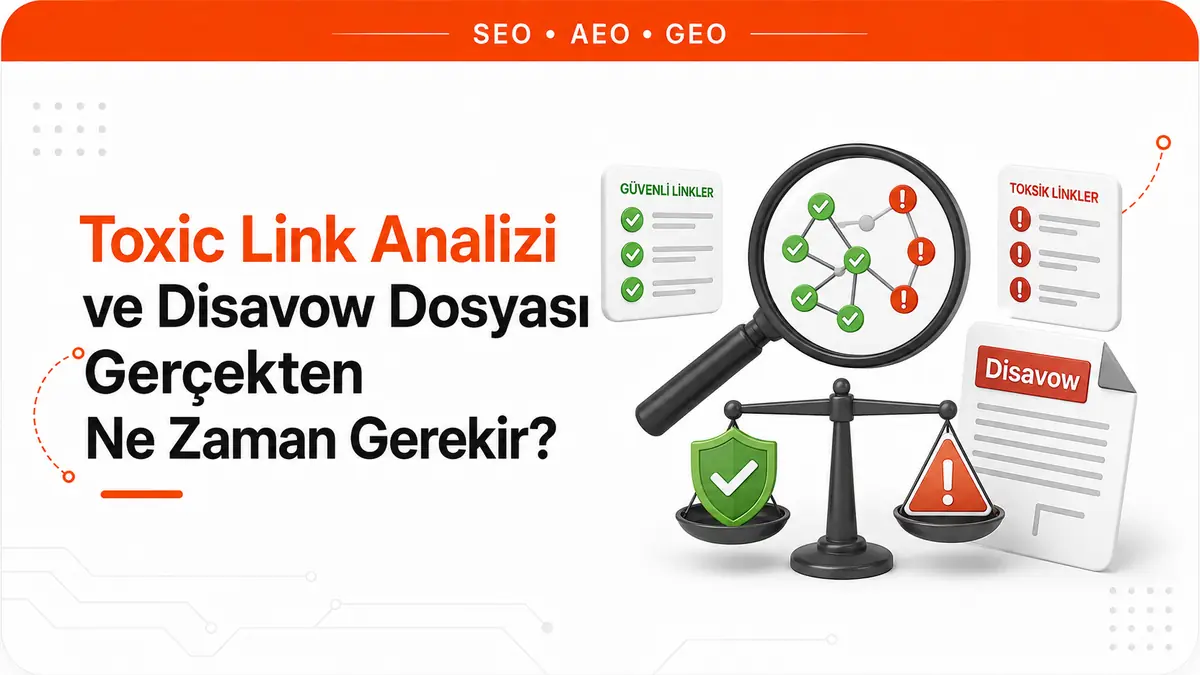
Whose metric is the red number in the report?
You open a backlink tool's report and a list marked in red fills the screen: some of the links pointing to your site are labeled "toxic," a two-digit score sits next to them, and the tool itself offers to turn these rows into a disavow file with a single click. The reflexive response is to send the list to Google as is.
Google's documentation on disavowing links says the opposite in its very first step: most of the time, Google can assess which links to trust without additional help, so most sites don't need to use this tool. The gap between the two comes from not knowing who produces the score and on what basis.
Google does not publish a metric called "toxicity" for individual links. The score comes from a third-party tool that evaluates the link source with its own model, and tools usually say so openly. Moz's Spam Score documentation defines the metric as the percentage of sites with features similar to the site being examined that have been penalized or banned by Google. It is generated by a machine learning model that identified 27 features common to millions of penalized or banned sites in its dataset, and 61 to 100 percent is the tool's "high" band. The same documentation says that a high score doesn't necessarily mean the site is spam, that the metric is built on correlation with penalization rather than causation, that the answer is therefore not to disavow high-scoring links, and that the score should be used as a guide to start an investigation.
So the tool is saying: "this source looks like sites that have had problems; take a look." The reflex turns that into: "this link is hurting your site; get rid of it." Those are not the same sentence.
| Signal | Produced by | Decision value |
|---|---|---|
| Toxicity or spam score | Third-party tool, its own model | Starts a review, doesn't make a decision |
| Manual action notice | Google, Search Console | Requires direct action |
| Links report | Google, Search Console | An inventory with no quality judgment |
| Ranking drop | Many possible causes | Not evidence about links on its own |
Under what conditions does Google recommend the disavow tool?
The documentation makes deciding whether you need the tool a separate step and ties it to two conditions that must both hold. You should disavow backlinks if you believe there is a considerable number of spammy, artificial or low-quality links pointing to your site and those links have caused a manual action against your site, or are likely to cause one.
That "and" carries the whole topic. A list of links that look dirty doesn't even guarantee the first condition on its own, and doesn't meet the second at all. The second condition requires no guesswork: in Search Console's Manual Actions report, there either is a notice or there isn't.
In the same document, Google describes the tool as an advanced feature, says it should be used with caution and warns that, if used incorrectly, it can harm the site's performance in search results. A warning like this in the tool's own documentation tells you the tool is not neutral. Not using it is a decision, and so is using it unnecessarily.
The basic concepts of how the link signal works and what a natural profile looks like are covered in detail in What Is a Backlink.
How much link spam does Google filter out on its own?
Behind the sentence "most sites don't need it" is Google's claim to catch link spam at the source. Its spam-fighting system, SpamBrain, was trained to detect not only sites that produce spam links but also sites set up to pass spam links to other sites. After this training, Google reported catching 50 times more sites with link spam compared to the previous link spam update, and a 10-fold improvement in detecting spam carried out through hacked sites. The same reporting stated that the system detected 5 times more spam sites than the year before and 200 times more than when it first launched, and that more than 99 percent of visits from Search are spam-free.
These numbers come from Google itself, not from an independent measurement, and they carry no individual guarantee about how a single link is handled in your profile. But the direction is clear: the system is set up to ignore junk links rather than hold them against the target site. The disavow file is not a replacement for this mechanism but a door left open for the narrow case where the mechanism isn't enough.
The step before disavowing is actually removing the link
The documentation's order is clear: as the first and most important step, it recommends removing spammy or low-quality links from the web as much as possible. Disavowing is the fallback for links you can't remove yourself or can't get removed.
This order is often skipped in practice, because removal takes effort: finding the publishing site, digging up a contact channel, waiting for a reply. Preparing a file, on the other hand, takes ten minutes. But telling Google "ignore this link" and deleting the link from the internet don't produce the same result. Disavowed links continue to appear in the Links report in Search Console; the report isn't cleaned up, you have only asked Google not to take the source into account.
How do you prepare a disavow file?
The file is a plain text file with a strict format, but its contents are left entirely to your judgment. The process works like this:
- Open the Manual Actions report in Search Console and see whether there is a notice about unnatural links pointing to your site. If there is no notice, question whether the second condition is really met before preparing a list.
- Review link sources manually. Use the tool's score as a sorting criterion for deciding which source to look at first, not as a decision criterion.
- For links that can be removed, contact the publishing site and note the outcome. A record of this step will help you in a reconsideration request if needed.
- Write the ones you couldn't remove into a plain text file.
- Upload the file from the disavow tool page by selecting the relevant property.
The rules of the file format are:
- Each line contains a single URL or domain.
- To disavow a domain or subdomain entirely, add the domain: prefix at the start of the line, for example domain:example.com.
- A whole subpath such as example.com/tr/ can't be disavowed; you write either individual URLs or the domain itself.
- The file must be encoded in UTF-8 or 7-bit ASCII and its name must end in .txt.
- A single URL can be at most 2,048 characters.
- The file can have at most 100,000 lines and be at most 2 MB; blank lines and comment lines count toward this total.
- A line starting with # is treated as a comment and ignored by Google.
Comment lines may look like a minor detail, but they are the file's only memory. If you don't write down why a line was added, which notice prompted it and which removal attempt failed, the person who inherits the list months later won't know the reasoning behind any of its lines.
Limits you run into in Search Console
The tool comes with a few restrictions that cause as many problems as the file itself.
Domain properties are not supported. If only a domain property is set up in Search Console, the disavow tool won't list it. This is the silent wall most people hit when they look for a place to upload the file they prepared; to use the tool, you need a verified URL-prefix property.
A new list replaces the old one. One list is kept per property, and uploading is a replace operation, not an append. If you upload a second file without carrying the previous lines over into it, the old disavowals are silently canceled. That is the practical reason to keep versioned copies of the file on your side.
A list applies only to the property it was uploaded to. If you have both an http and an https property, each needs its own list. Child properties are covered: a list valid for example.com is also valid for m.example.com, but if both have their own list, what applies is the union of the two lists.
The effect isn't immediate. Google incorporates the list into its index as it recrawls the web and reprocesses the pages it sees, and this can take several weeks. You can't check rankings the day after uploading and draw conclusions.
On top of this, you need to be the property owner to upload a list; users added with restricted permissions can't use this screen.
What mass disavowing costs your site
Filtering a list by a threshold value and disavowing it wholesale means handing the decision to a model. That model has never seen your site, doesn't know your industry and claims no causation in its own documentation. Every line that lands on the wrong side stops Google from counting a link that genuinely carries value.
Reversing this decision isn't symmetrical either. You can cancel the list from the tool screen, but getting the cancellation processed into the index takes as long as the upload did, again several weeks. A mistaken mass disavow isn't undone the same day; it spills over into the next period.
The healthy approach is to treat the list as a review queue, not a verdict: manually open the sources with high scores and look at their content, topic and relevance to your site. If you want a starting point for scanning the whole profile this way, you can use our backlink analysis tool to see the sources on a single screen; the decision about which line is really a problem still comes from the review.
Links planted on your site without permission aren't solved by this tool
The disavow file works in one direction and only covers links pointing to your site. There is another problem that looks very similar but works in reverse. Planting links on a site's pages without permission by exploiting a security hole falls under hacked content in Google's spam policies, and here your site is not the one receiving the link but the one giving it.
In this case, preparing a disavow file is useless, because the problematic link is on your server. The order of fixes is different too: find the injected links, clean them up, close the security hole and monitor for reinfection. The scenario and detection methods are described in detail in What Is a Hacklink.
The decision order to follow when a report lands
When you see a red report, the order is:
- Check the Manual Actions report in Search Console.
- If there is a notice, try to get the links removed, prepare the file for the ones you couldn't remove, and submit a reconsideration request along with a record of the work you did.
- If there is no notice but you genuinely see a dense spam cluster in the profile, review the sources manually and include in the file only the cluster that clearly shows a pattern and that you couldn't remove.
- If there is no notice and no cluster emerges when you look manually, don't prepare a file.
The fourth point is the real answer for most sites, and it is usually hard to accept, because it looks like doing nothing. Yet there is a more productive place to put the same effort: instead of trying to scrub the profile of a spam cluster, add links to it from sources with real visitors. For those who want to run this side in a planned way, our backlink packages page shows the source selection criteria and scope.
Frequently Asked Questions
If a competitor is sending spam links to my site, should I prepare a file?
The decision criterion doesn't change; the same two conditions apply. Google states that it works hard to prevent actions on third-party sites from negatively affecting a website; in other words, a stream of spam links from outside doesn't automatically mean a loss. Check the Manual Actions report first. If there is no notice, record and monitor the stream, and base any file on findings rather than reflex.
Does adding nofollow to a link do the same job as disavowing?
The two sit on different sides. Attributes like nofollow are set on the page giving the link, so if you don't have access to that page, nofollow isn't an option. The disavow file, on the other hand, is uploaded by the side receiving the link and applies only to its own property. Who has control determines which one can be used.
Will preparing a disavow file improve my rankings?
The tool is a repair tool for fixing a penalty-related loss, not a method for boosting rankings. Google describes it as an advanced feature and warns that misuse can harm the site's performance in search results. With no manual action in place, the expected gain from a file is zero, and the possible loss is real link signal.



