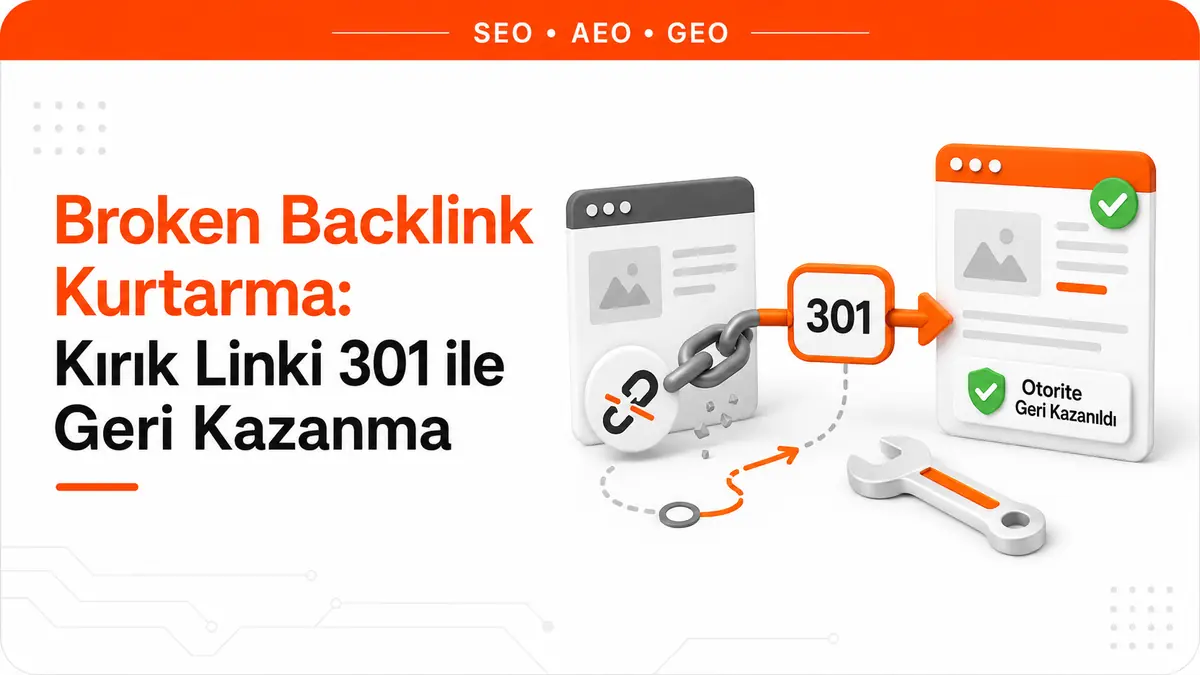
Invisible capital rots at dead URLs
Over the years, a site accumulates two kinds of capital. The first is visible: published pages, ranking keywords, incoming traffic. The second is invisible and entirely in other people's hands, because it consists of the links other sites give to your URLs. The odd thing about this second kind of capital is that while you're changing your category structure, fixing a product name or removing an old service page, those links keep pointing to the old URL. The link stays up; its target collapses.
That's exactly what a broken backlink is: a link on an external page pointing to a URL that no longer responds on your side. The loss isn't an abstract guess but documented behavior. Google's crawler documentation says this about 4xx responses: content from these URLs is ignored, a previously indexed URL that starts returning 4xx is removed from the index, newly encountered 404 pages aren't processed, and the crawl frequency of that URL gradually decreases. So the link on the other site is still there, but there's nothing at the other end for Google to evaluate.
In practical terms, this is the cost difference between earning a link from scratch and recovering one you've lost. A new link requires content first, then persuasion, then publication. A broken link has already been earned; the only thing missing is the response your server gives at that URL. We explained why a link carries value in our article what is a backlink; the topic here is how to recover that value.
Most broken backlinks are self-inflicted
Most of these links break not because of a mistake on the other side but because of a change on yours. The most common causes are:
- A platform or theme change. The URL pattern changes, and every page following the old pattern becomes a 404 at the same time.
- Slug edits. Someone improves a title, changes the URL along with it and forgets to redirect the old one.
- Category or directory restructuring. The page lives on, but its parent folder disappears.
- Removed campaign, event or product pages. The content reaches the end of its life; the links pointing to it don't.
- Protocol and domain migrations. The main redirect is set up, but no rules are written for individual pages at the old address.
- A typo on the other side. The link goes to your domain, but it has an extra character at the end, a missing letter or a copied tracking parameter.
The last item is the one most teams overlook: even a mistyped URL reaches your server. So to recover that link, you don't have to write to the other site; a rule on your own side is enough.
Finding external links that land on 404s with Search Console
You don't need an expensive setup for this. Search Console already keeps two separate lists; what's missing is cross-referencing them. The sequence works like this:
- Pull the URLs that receive external links. In the Links report, open the top linked pages table under external links, click through to the full list below the table and export it.
- Pull the URLs that don't respond. In the Page indexing report, export the URLs with the Not found (404) status. Google discovered some of the URLs in this report not through the sitemap but directly from links on other pages; those are exactly the URLs you're looking for.
- Intersect the two lists. Normalize the URLs before comparing: trailing slashes, uppercase and lowercase differences and tracking parameters make the same URL look like different rows in the two lists.
- See the source sites for each URL in the intersection. When you select a URL in the Links report, the sites linking to that page are listed. Subdomains aren't shown in this list; sites appear in root domain form.
- Collect what the report doesn't see from the server side. The referrer field of requests returning 404 in your access logs also reveals sources that didn't make it into Search Console's sample.
This workflow covers only external links. Broken links between your own pages, redirect chains and incorrect canonical signals are a matter for a separate crawl; the on-page SEO analysis tool can be used to list that side in a single pass.
Not every broken URL should be redirected
The most expensive mistake in broken backlink work is automatically redirecting every URL on the list somewhere. The decision depends on why the URL broke and whether it genuinely has a counterpart.
| Situation | Correct response | Reasoning |
|---|---|---|
| The page moved and has an exact counterpart | Permanent server-side redirect (301) | Google's documentation directly recommends a 301 for moved pages. |
| The content was removed, there's no replacement page and no external links | Leave it as a 404 | A removed page with no replacement returning a 404 isn't a problem in itself. |
| The content was removed but has strong external links | Republish the content or redirect to the closest genuine equivalent | The value to recover isn't in the page but in the links pointing to it. |
| The link goes to a mistyped URL | 301 to the correct URL | Since the request still reaches your server, the fix can be made on your side. |
| The page was permanently removed and you want to state this clearly | 410 | According to the documentation, all 4xx codes except 429 are handled the same way, so 410 isn't a speed-up tool but a statement of intent. |
| Dozens of URLs with no counterpart | Don't bulk-redirect to the home page | A URL sent to an irrelevant target may be treated as a soft 404, like pages that tell the user something wasn't found without returning a 404. |
The rule can be simplified: a redirect is right if it takes the user to where what they're looking for actually is. If what they're looking for no longer exists, the honest response is a 404.
What does a 301 actually carry?
There's a sentence that circulates frequently in Turkish-language sources: "A 301 redirect passes on such-and-such percent of the value." None of these figures appear in Google's documentation. What the documentation says is this: with 301 and 308 responses, Google follows the redirect and uses it as a strong signal that the target URL should be processed. 302 and 303 are considered a weak signal in the same direction. Claims about a transfer percentage trace back to spoken remarks by Google representatives; the official documentation speaks not of percentages but of signal strength.
In practice, this distinction determines three things:
- Which URL appears in search results. With a permanent redirect the new target is shown; with a temporary redirect the source page continues to be shown.
- Canonical selection. A permanent redirect is treated as a sign that the target should be canonical.
- The reliability of the method. The documentation ranks redirect types by how likely they are to be interpreted correctly, and server-side redirects sit at the top. If you can't implement one, an instant meta refresh is interpreted as a permanent redirect and a delayed meta refresh as a temporary one. Putting a "we've moved" link on the page counts only as a last resort.
There's one more detail: Google keeps tracking both the source and the target of a redirect. One becomes canonical and the other becomes an alternate name for that URL, and the alternate can reappear in search results when a user's query implies they trust the old URL. If you see your old URL in the results, don't assume the redirect isn't working.
Chains and loops are silent losses
Most teams that set up redirects write the rule and leave it there. But the real decay starts later: while the old rule is still in place, a new migration happens, and the URL starts going from A to B and from B to C. Google's crawlers typically follow up to ten redirect hops for general web content, but that ceiling is a limit, not a target. This is also where the redirect errors flagged in Search Console come from: chains that run too long, loops, URLs exceeding the maximum length and broken or empty URLs within the chain.
In practice, three habits are enough. When doing a new migration, update the old rules and reduce the chain to a single hop. Don't remove rules, because a removed redirect turns the same URL back into a 404. And when verifying, keep in mind that Search Console's URL Inspection tool doesn't follow redirects, so to see the end of the chain you need to check the server response directly.
Broken link building: legitimate but labor-intensive
The flip side of the topic is finding a broken external link on someone else's page and offering your own content as a replacement. The tactic is legitimate and has nothing manipulative about it: you tell an editor about a source that doesn't work and, in return, suggest a genuinely equivalent page. The problem isn't ethics but yield.
To see the yield, treat the tactic as arithmetic and track the chain in your own list: the number of source pages you scanned, the number of genuinely broken external links you found on them, the number of those links for which you actually have a matching topic, the number of sites that still update the page and have a reachable publisher, the number of replies you got and, finally, the number of pages that were edited. Each step narrows the list significantly. The number at the end of the chain is small next to the number at the start, and that's inherent to this tactic.
Even so, it clearly works in some places: pages that publish resource lists, content that has carried the URL of a shut-down tool or an inaccessible study for years, and guides whose topic is still current enough to be worth editing. Where it doesn't work is just as clear: bulk emails presenting a non-equivalent page as if it were equivalent, sites that haven't been updated in a long time and any offer whose only purpose is a link.
The decision rule is simple: recovering broken links pointing to your own site almost always has a higher return than spending the same effort chasing someone else's broken links. In the first case you don't need to persuade anyone; in the second you need to persuade someone at every step.
Which broken backlink should you fix first?
If the list is long, these four criteria determine the order:
- How many different domains link to that URL? Many links from a single site don't carry as much information as a few links from different sites.
- What is the commercial value of the broken URL? Recovering a link pointing to a page that makes money comes before one pointing to an archive article.
- Does the link bring real visitors? If your server logs show real referral traffic to that broken URL, the loss isn't only on the search side.
- Is there a genuinely equivalent target? A URL with no equivalent doesn't go to the end of the list; it falls off it.
There's also a warning from the other direction: not every broken link is worth recovering. If the source is one of the automatically generated link networks, getting that link back isn't a gain, and the matter belongs to a separate workstream: toxic link analysis and disavow.
How do you know the recovery worked?
After setting up the redirect, three checks are enough. First, verify the server response: the old URL should return a 301 in a single hop and the target should return a 200. Next, watch in Search Console for that URL's status to move from the not found group to the redirected group. Finally, track the target page's performance data, because the real payoff of the recovery shows up on the target page.
As for expectations, accept two things up front. The first is timing: the crawl frequency of URLs that started returning 404 has already dropped, so the new response won't be noticed instantly. The second is scale: a recovered link brings back value that was lost; it doesn't create a jump out of nothing. The value of this work lies not in a showy increase but in no longer quietly eroding the capital you've built up over the years.
Frequently Asked Questions
Will the number of 404s on my site lower my rankings?
The documentation says that a removed page with no replacement returning a 404 isn't a problem in itself. What matters isn't the number but whether that URL receives external links. Hundreds of 404s that nobody links to matter less than a single 404 that receives strong links.
Should I use 404 or 410?
Google's crawler documentation states that it handles all 4xx codes except 429 the same way: the content is treated as nonexistent and removed if it was previously indexed. A 410 is therefore not an accelerator but a clearer response signaling that the removal is permanent.
How long should I keep the redirect in place?
A permanent redirect makes sense because it's permanent. When you remove the rule, the URL returns a 404 again and the link you recovered breaks a second time. For a migration you might roll back, a permanent redirect shouldn't be used in the first place.
Do I need to contact the site that gave the link?
Not if the link goes to a URL on your domain; the fix is made on your own server. Writing to them only helps when the link goes to an entirely different domain, meaning it points to a target you can't access.



