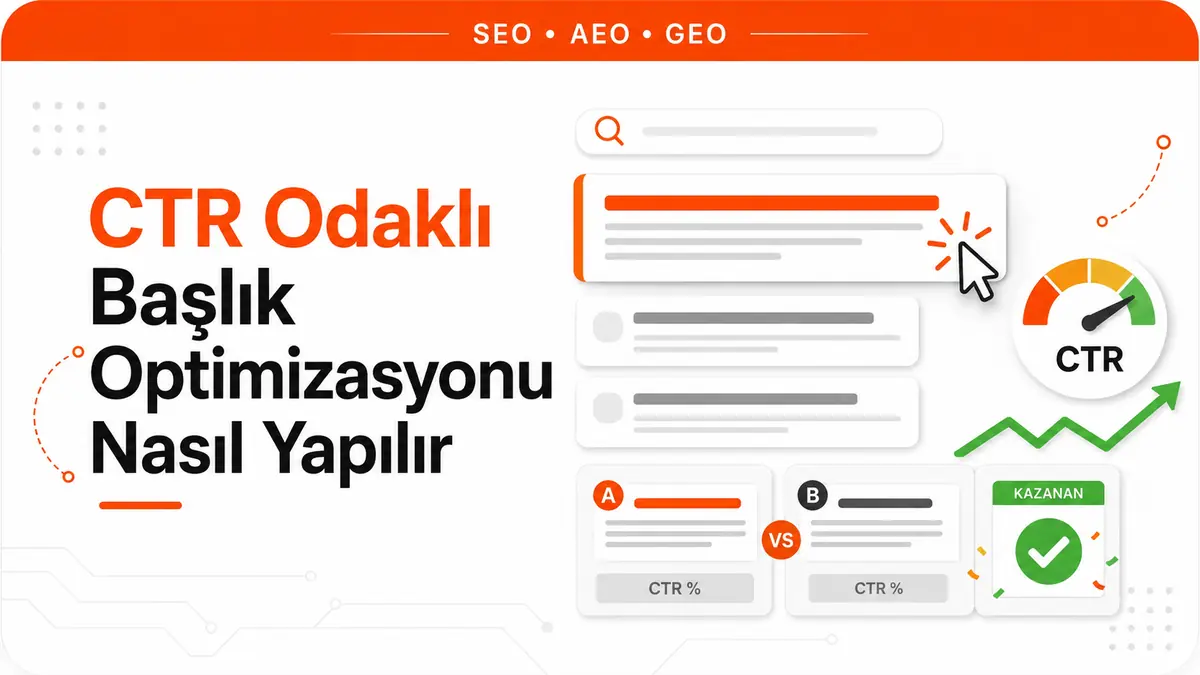
Reaching the top of the search results earns you one thing for a query: the right to be seen. Getting clicked isn't part of that right. What turns an impression into a click is the few lines the user reads on the screen, and the first of those lines is the title link.
Search Console expresses this conversion as a single ratio. Click-through rate, or CTR, is the number of clicks divided by the number of impressions. If a page appeared 1,000 times for a query and received 30 clicks, its CTR is 3%. The simplicity of the definition matters, because the intersection of these two numbers is exactly where you can tell whether your title work is paying off.
The title tag and the title link are not the same thing
The title tag in your source code is the text you write. The clickable text the user sees on the results page is the title link that Google generates. The two are often the same, but there's no guarantee they will be. If you skip this distinction, you risk optimizing text you aren't actually measuring.
The job of the title link isn't to win rankings but to make a promise. Scanning the results, the user makes a snap judgment: does this page give me what I'm looking for? The title answers that question. So a good title is one that states, in a recognizable way, the question the page actually answers. If it's unclear which question the page answers, look for the problem not in the title but in the search intent the page targets.
Is CTR a ranking factor?
There's no honest one-sentence answer to this question, because the sources don't all point the same way. Both sides need to be laid out.
In Google's public explanations of how search works, the factors that determine ranking are grouped under the meaning of the query, the relevance of the content, content quality, usability and context. Within this general framework of ranking, no page-level click-through rate lever is described. Google representatives have also been saying for years that CTR is not a direct, simple ranking signal.
The same explanations contain another sentence that completes the picture. Google states that it uses aggregated and anonymized interaction data to assess whether search results are relevant to queries, and that it turns this data into signals that help its machine learning systems better estimate relevance. In other words, user behavior has a place in the system as a whole.
These two statements don't contradict each other. They're talking about different scales. Learning from aggregated interaction data at the system level is not the same as raising a single page's CTR and pushing its ranking up. The practical conclusion is this: improving your title is the most direct tool you have, but it should be framed not as a ranking lever but as a way to get more visitors out of the impressions you've earned.
Observational studies don't clarify this picture. There are analyses that find a relationship between high CTR and high position, but the study design can't untangle which way that relationship runs. Top results get clicked more simply because of their position. As long as position feeds both CTR and the relationship itself, correlation doesn't become causation. That's why the observation "I changed the title, CTR went up, and my ranking rose too" isn't proof on its own.
Why Google rewrites your title
When generating the title link, Google relies most on the title tag. According to its own explanation, more than 80% of title links come from the HTML title tag. In the remaining cases, the system looks at other text: the main visual heading on the page, which on most sites is the text inside the H1 or other heading tags; content that appears large and prominent because of styling; other text on the page; and the anchor text of links pointing to the page.
One detail is often overlooked: the title link generally doesn't change based on the query. Google has announced that it moved away from that behavior to generating a query-independent title that describes the page as a whole. So if you see different titles for the same page across different queries, treat that as measurement noise, not as a personalization mechanism.
Rewriting isn't arbitrary. There's usually a concrete problem the tag fails to solve.
| Problem with the tag | Google's behavior | Fix |
|---|---|---|
| Half-empty title (for example, only a separator and the site name) | Fills in the missing part from heading elements or prominent text on the page | Write the phrase that actually describes the page into the tag |
| Title that doesn't reflect the page | Changes the title so it matches the content | Scale the title's promise down to the page's real scope |
| Boilerplate text repeated across a group of pages | Finds distinguishing information on the page and adds it to the title | Move the variable that distinguishes the pages into the tag |
| No clear main heading | May use the first heading on the page as the title text | Make the main heading the first visible H1 and set it apart from the others |
Taking back control of your title
There's no option to "block" Google's behavior. You can influence it, but you can't dictate it. And the way to influence it is predictable: make the tag consistent with the other text the system will look at.
The most effective intervention is consistency between the title tag and the H1. The two don't have to be identical, but they should introduce the same page in the same way. If the tag says one thing and the large heading on the page says another, the system decides for itself which one is right.
Weak match
<title>Products | Company Name</title>
<h1>Stainless Steel Kitchen Sinks</h1>

Consistent match
<title>Stainless Steel Kitchen Sinks</title>
<h1>Stainless Steel Kitchen Sinks</h1>
The same discipline applies site-wide. Pages that carry very similar titles leave both users and the system unable to tell them apart. If you use the same phrase on multiple pages, the problem may have moved beyond a single title issue and become a case of pages competing with each other.
Placing the same word in the tag over and over also backfires. Google treats such titles as keyword stuffing, which makes the result look like spam to both users and the system.
Length is not a quota but a truncation risk
The fixed character counts that circulate widely aren't rules set by Google. Google says explicitly that it places no limit on the length of the title tag. What happens is different: the title link is truncated on the results page when necessary, and that truncation is typically determined by the device's screen width.
This distinction makes the job easier in practice. Instead of trying to hit a fixed character quota, ask a single question: when the first part of the title is read on its own, does it distinguish this page from the others? Put the distinguishing information at the front and leave the complementary phrases for the end. If the end gets cut off, the meaning shouldn't be lost.
Keep two more behaviors in mind. Google may add the site name to the title when it deems it useful, so repeating the brand name in the tag isn't always necessary. With excessively long titles, the system may pick the most relevant section rather than cutting from the start, meaning which part of a long title will appear isn't entirely under your control.
The difference between a clickable title and clickbait
Clickability isn't an exaggeration contest. The distance between the promise the title makes and the content the page delivers determines the value of that click. If the promise is big and the delivery small, the click happens, but the user goes back, and that impression is wasted.
This cost doesn't show up in the traffic table, because the click has been counted. It shows up elsewhere: the share of visitors who bounce back, time spent on the page, return visits and brand recall. There's no verified evidence that a misleading title produces a ranking penalty, but the loss on the business side is real. The next time the same user sees you in the results, they already have a reason not to click.
Titles that get clicked don't share a formula; what they share is that they reduce uncertainty. When users read the title, they should be able to infer three things: which question the page answers, whose situation the answer is written for and how deep it goes. If all competitors use the same generic phrase, differentiation comes from stating one of these three pieces of information clearly. A phrase that narrows the scope, meaning a specific type of user, a specific condition or a specific outcome, usually does more than adding a power word to the title.
The line separating specificity from exaggeration is simple. "40% faster" is specific if the page explains how that result was achieved; if it doesn't, it's clickbait. Every claim in the title should have a counterpart on the page. That's why title work usually goes hand in hand with editing the content itself.
What the meta description does alongside the title
The meta description is not a field that determines rankings. Google states that it sometimes uses this tag to generate the snippet, which means its use isn't guaranteed. When the system finds it more suitable for the query, it can also generate the description from the page content.
The resulting division of labor is clear. The title makes the promise; the description qualifies it. If the title covers "which topic", the description covers "for whom and how deep". Writing a unique description for every page matters more than copying a single template across all pages. Descriptions containing long strings of keywords, meanwhile, reduce the chance of being shown as the snippet.
A protocol for measuring title changes
The real challenge in title optimization isn't writing the title but reading whether the change worked. That's because CTR also moves independently of the title. The sequence below filters out much of that noise.
- Record a baseline. Before the change, pull the page's Search Console data: which queries, how many impressions, how many clicks, what CTR and what average position. A baseline remembered after the fact is useless.
- Apply the single-variable rule. Change only the title in a given week. Keep the content, internal links, description and URL constant. If you change two things at once, you can't tell which one the result came from.
- Write down when the change was made. Which URL, which day. You'll build your comparison windows around this moment.
- Look at impression count, not the calendar. What you need to make a decision isn't elapsed time but accumulated impressions. On a page that gets a few hundred impressions a week, two weeks of data says nothing. For low-volume pages, extend the window or look at similar pages as a group.
- Compare the query set, not the page total. A page's overall CTR fluctuates on its own because its query mix changes. Before and after should be read over the same list of queries.
- Read position as a control variable. This is the most frequently skipped step. If the average position changed, the source of the CTR difference may not be the title. A page that moves up produces a higher CTR even without a title change. If position moved, that period's data can't be used as a title test.
- Verify that Google is using your title. If the text shown on the results page isn't the text you wrote, what you're measuring isn't your title. Every conclusion drawn without this verification is suspect.
Rule out factors that could mislead the result before comparing:
- A shift in average position
- New queries entering the query set or old ones dropping out
- A new SERP feature being added to the results page, which can lower clicks per impression
- Branded queries mixing into the data; branded searches naturally produce high CTR and inflate the average
- Seasonal fluctuations in demand
- Google rewriting the title
The purpose of this protocol isn't to produce definitive proof. Search results aren't a controlled laboratory, and expecting statistical certainty from a change on a single page isn't realistic. The goal is to avoid crediting the wrong cause and then rolling that change out across the entire site.
Which page to start with
The return on title work varies greatly from page to page. Prioritize pages that meet all three of these conditions: the page should already be getting substantial impressions, its CTR should be low compared with your other pages on similar queries, and its average position should have settled recently.
Starting with low-impression pages is a waste of time, because not enough data accumulates to read the result. The problem with those pages is usually visibility, not the title. Starting with pages whose position keeps fluctuating also ruins the measurement from the outset; wait for the position to settle first.
There's a second source of priority: pages whose titles Google has rewritten. On these pages, the job isn't a creative title experiment but finding which of the four problems in the table applies and fixing it. Most of the time, the gain comes not from finding a new title but from getting the system to use yours.
Frequently Asked Questions
Does changing the title lower rankings?
The title is one of the texts that explains what a page is about. If you remove the key phrase that defines the topic from the title, relevance may weaken. Switching to a title that describes the same topic more clearly carries no such risk. The criterion isn't word count but whether the page's topic remains recognizable in the title.
Is there a sure way to undo a title Google has rewritten?
There's no guaranteed way. The only method you have is to remove the reason the system is rewriting it: bring the tag closer to the page's real topic, make it consistent with the H1, and clean out boilerplate text and unnecessary repetition. After the change, the page needs to be recrawled for the result to update, which doesn't happen instantly.
Should the brand name be in the title?
It's not mandatory. Google can add the site name to the title itself when it deems it useful. If your brand name is well known and plays a role in the click decision, it makes sense to include it in the tag. If recognition is low, devoting the space at risk of truncation to the distinguishing phrase rather than the brand name gives better results.
Do formatting elements such as emoji or brackets increase clicks?
Most of the figures circulating about the effect of such elements are observations drawn from a single dataset, and they vary by industry, query type and how competing titles look. They shouldn't be used as a general rule. If you want to test them on your own pages, do so with the measurement protocol above, not because it worked on another site.



